
You open two vendor proposals after dinner. One is a tidy package with a single total. The other lists hours, deliverables, travel, and optional extras on separate lines. Both seem promising, but the numbers do not answer the same question. Before you choose the lower price, you need to know whether the offers cover the same work.
A wedding planner template can help with that decision if it gives every proposal the same frame. Instead of collecting another all-in-one planning workbook, build one focused comparison page for the vendor category you are choosing now. Use it to record the required scope, what each offer includes, what costs extra, what is unclear, and what you need to ask next.

This method does not decide which vendor is best, and a worksheet is not a substitute for reading the actual agreement. It helps you spot gaps before you make a choice. Once the same work is visible in the same columns, you can compare fit, timing, and cost with fewer assumptions.
Start With the Work You Need the Vendor to Do
Begin by describing your requirement in plain language before opening the proposals side by side. A package name such as “essential,” “signature,” or “full service” may mean different things from one vendor to another. Write down what you need the vendor to provide for your event, then check how each offer responds to that same description.
For a photographer, your baseline might include the date, location, coverage window, number of photographers you are considering, and the deliverables you expect to receive. For a venue, it might include access hours, event spaces, setup needs, and the items you expect to be provided. For a caterer, it could include guest quantity, meal format, staffing, service window, and any equipment that needs to be supplied. The details change by category, but the comparison principle stays the same.
Separate requirements from preferences
Mark each item as required, preferred, or open. A required item is something the offer must cover for you to consider it. A preference helps you distinguish between viable offers, but you may be willing to adapt. An open item is a question you have not answered yet. This small distinction keeps a nice-to-have detail from being treated as a firm condition and makes it easier to spot a missing requirement.
Keep the list short enough to use. You do not need to describe every part of the wedding in a vendor comparison. Include the details that change the work, the timing, the cost, or the experience. If the decision is about photography coverage, for example, your color palette is unlikely to help compare hours or image delivery. Save unrelated planning notes for the tool where they belong.
Write down the assumptions behind the offer
Proposals may rely on a guest count, service duration, room configuration, or location that you supplied earlier. Record that assumption beside the proposal. If your guest estimate changes, a catering offer may need to be recalculated. If a venue’s access window is shorter than you expected, setup may require a different plan. A comparison is only useful when you can see what each figure is based on.
If you do not know an exact number, record a range and label it as an estimate. Do not replace an unknown with a precise-looking guess just to complete the table. “About 90 to 110 guests, still being confirmed” is more useful than a number that both partners know is provisional. You can then ask each vendor whether the estimate changes the proposal and when a final count is needed.
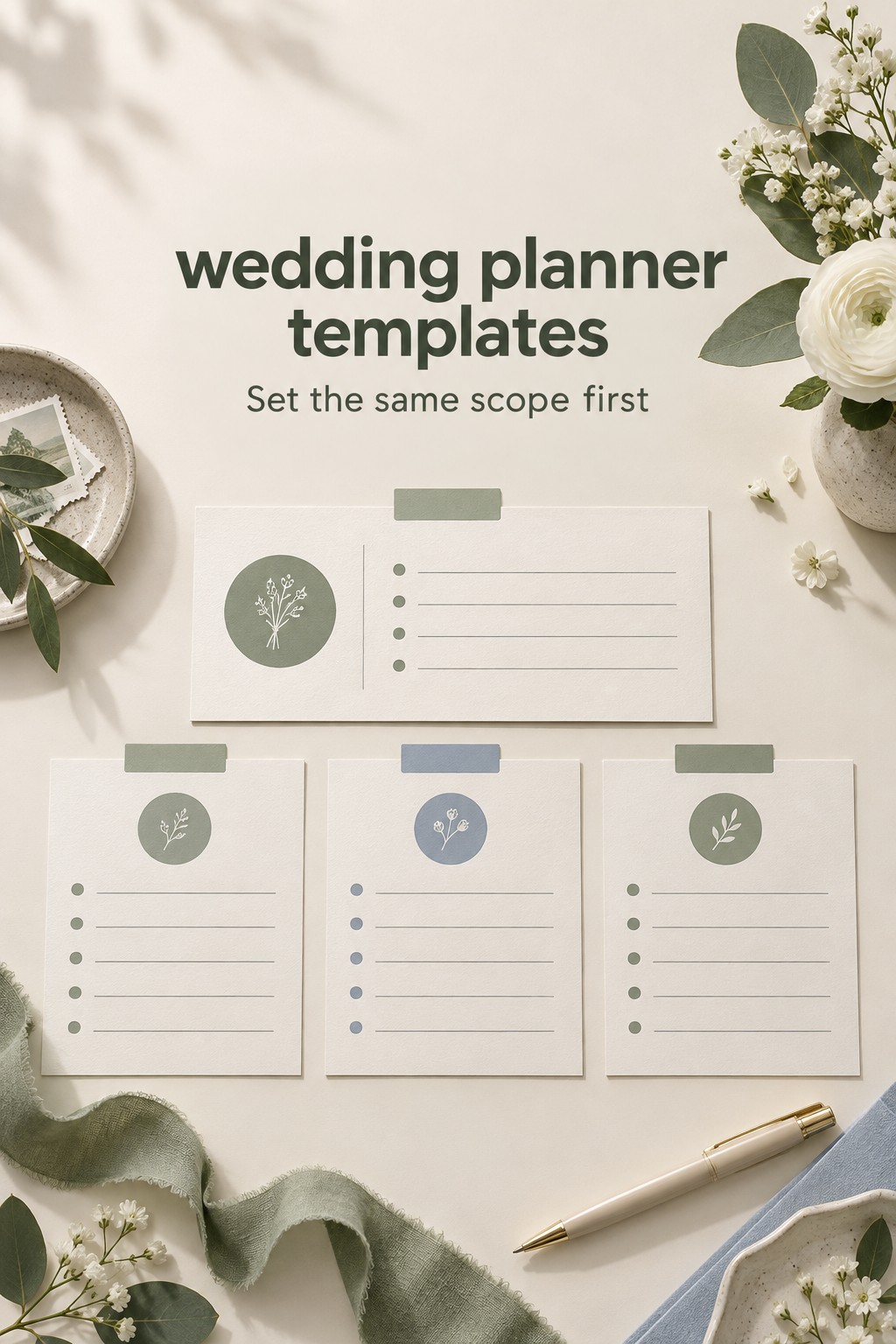
Build a Focused Wedding Planner Template for Vendor Quotes
Create one row per vendor and one column for each decision point. You can make the page in a spreadsheet, a document, or a printed worksheet. The format matters less than using the same fields for every offer in the category. Keep the source proposal nearby and record its date, so you can return to the original wording when a note needs clarification.
- Vendor and offer version: business name, contact person, proposal date, and the date you last received an update.
- Required scope: the service, event date, location, hours or quantity, and any condition that must be met.
- Included work and deliverables: what the vendor says is part of the proposed service, captured in clear words and quantities when available.
- Optional extras: items you could add, with their price or a note that you still need a price.
- Excluded or client-provided items: tasks, equipment, staffing, travel, supplies, or approvals that are not covered by the offer.
- Cost and payment timing: quoted total, required deposit, installment dates, stated fees, and any assumption that could change the total.
- Timing and availability: event date, service hours, setup or arrival window, and when a deliverable is expected.
- Open questions and next owner: what needs an answer, who will ask, and when you expect to review the response.
Add a status for each line: included, optional, excluded, or unclear. The status is more informative than a checkmark alone. An unchecked box might mean a vendor does not provide an item, or that you have not read far enough to know. “Unclear” is a useful result because it tells you not to compare that part as if it were settled.
Use one worksheet per category rather than forcing every vendor into one giant comparison. A photographer and a florist do not need the same scope columns. Your photographer page might track coverage hours and image delivery, while your florist page might track design pieces, quantities, delivery, setup, and breakdown. Reusing a small core structure is helpful, but the details should reflect the work being offered.
Leave a notes column for the exact question or source of an answer. A short note such as “proposal page two, travel listed separately” is easier to verify than a summary with no reference. You do not need to copy a full contract into the worksheet. The comparison page should direct you back to the original offer, not become a second contract archive.
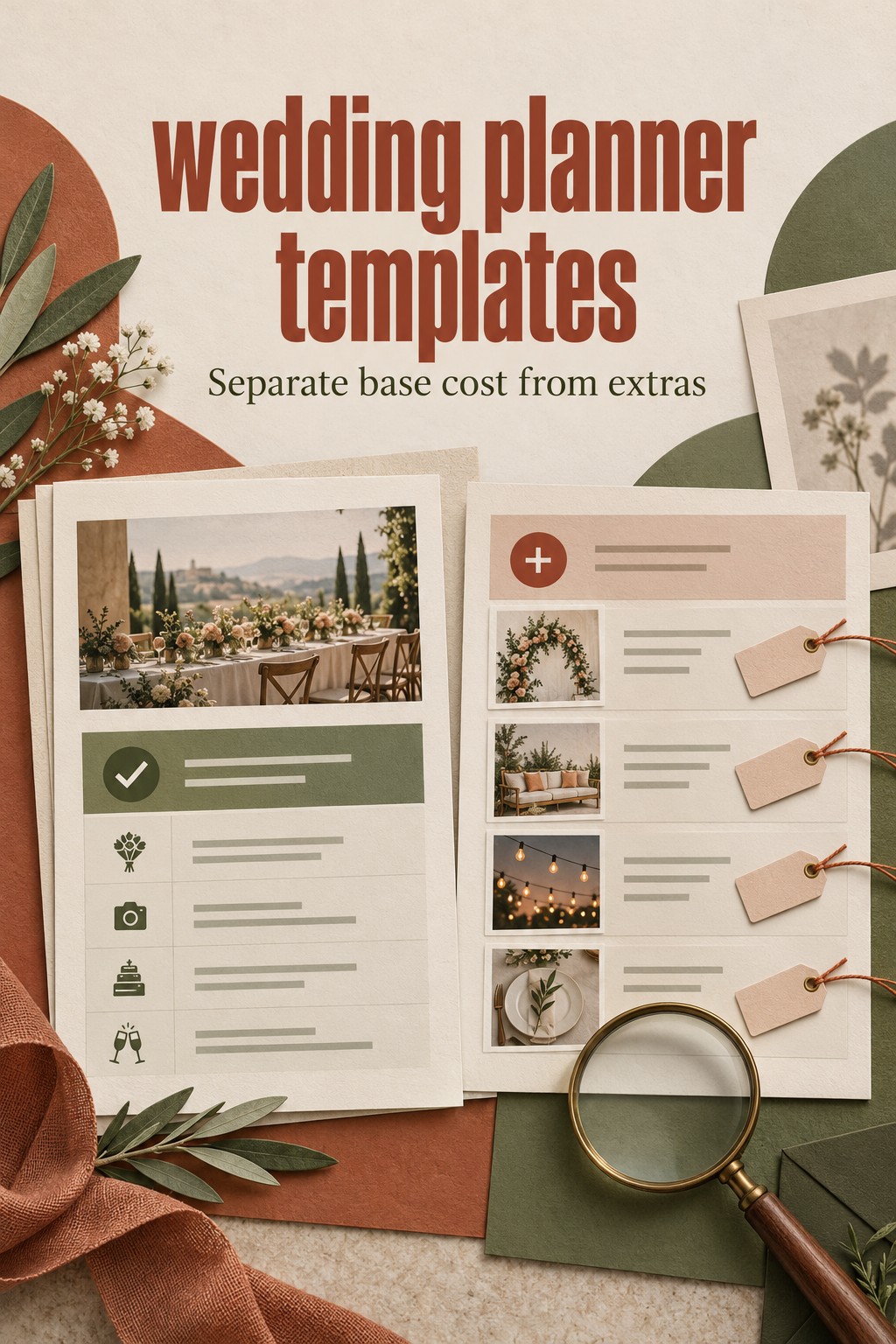
Compare Offers With One Worked Example
Imagine that you are comparing two photography proposals for the same wedding. Offer A has one bundled total and a short description of coverage. Offer B separates coverage hours, a second photographer, travel, and an album option. Do not place the two headline totals in adjacent cells and call the lower one the winner. First check what each offer includes against the requirement you wrote down.
Your comparison might look like this:
- Coverage window: Offer A says “wedding day coverage” without defining the start and end times. Mark it unclear. Offer B lists a specific number of hours. Ask whether those hours include travel between locations and how additional coverage is priced.
- Second photographer: Offer A does not mention one. Mark it unclear, not excluded, until the vendor confirms. Offer B lists it as an optional addition. Decide whether it is a requirement or a preference before comparing the totals.
- Travel: Offer A notes a service area but does not explain the charge for your venue. Offer B lists a separate travel line. Ask both vendors for the amount that applies to your location, and put each answer in the same column.
- Image delivery: Offer A says that edited images are included but does not state the quantity or timing in the summary. Offer B describes a gallery and gives a delivery window. Ask Offer A for the same level of detail and check whether it appears in the written offer.
- Album: Offer A does not mention a printed album. Offer B lists an album as an add-on. If an album is optional for you, leave it outside the base comparison and note the separate choice rather than treating it as an included benefit.
This example uses no market prices because the point is to compare scope, not claim what a service should cost. Once the missing information is filled in, create two views if helpful: the base offer that meets your required needs, and the version with optional extras you are genuinely considering. This prevents an add-on from obscuring the cost of the core service.
Keep calculations simple and transparent. If you add travel or an extra hour to a total, label it as a planning estimate until the vendor confirms it. Do not assume that taxes, service charges, delivery, overtime, or gratuities are treated the same way in every offer. Record what the proposal says and ask about anything that affects the total you are comparing.
The same method works for a venue. List the spaces, access hours, setup and cleanup windows, included tables or chairs, staffing, and possible extra fees. The Knot’s venue contract guide recommends checking an itemized description of what the venue provides, plus access times and additional fees. Use those details as prompts for the comparison, then verify the venue’s own proposal and agreement for your event.
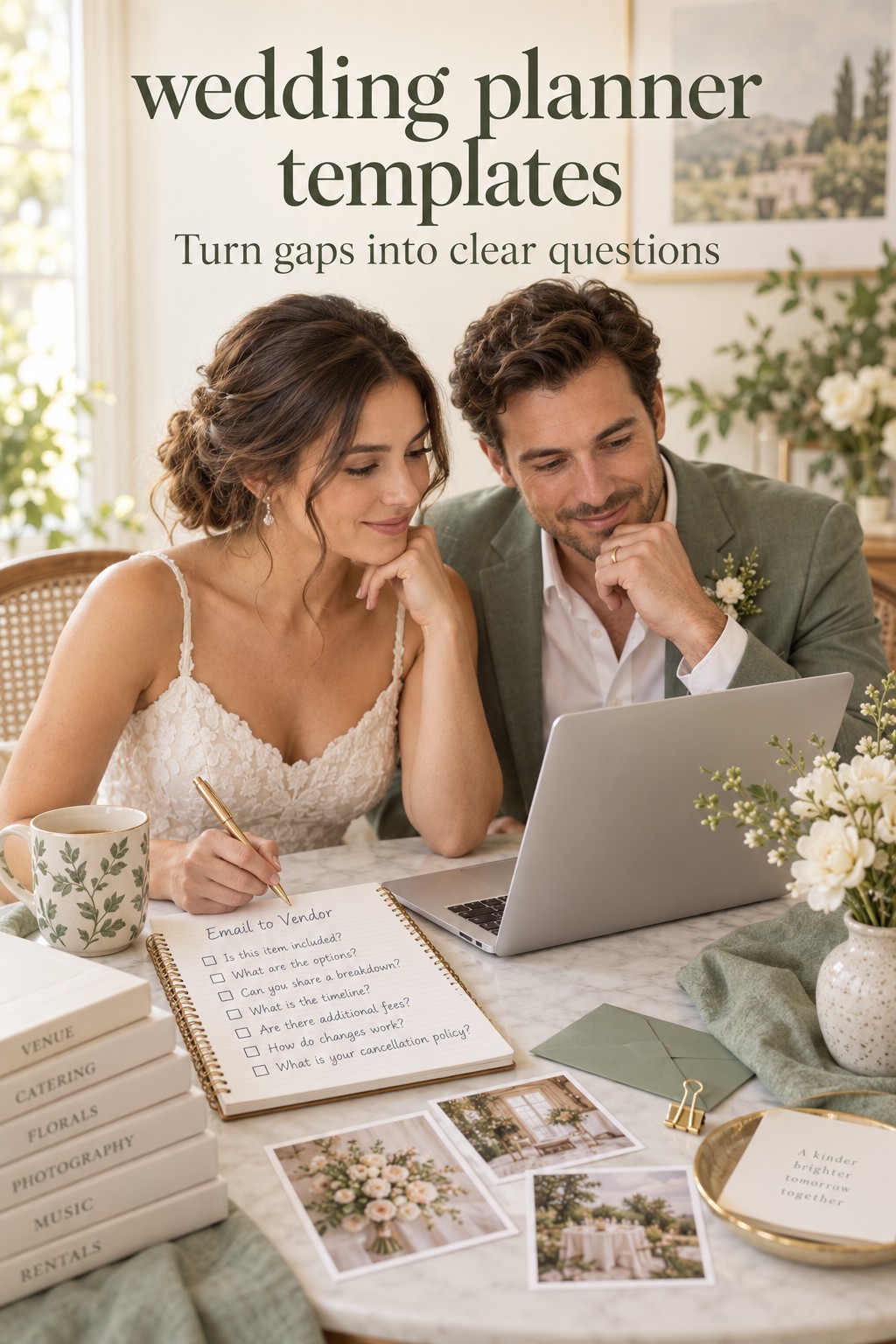
Turn Blank Fields Into Specific Follow-Up Questions
Once you have entered the proposals, scan for blank or unclear cells. Each one should become a question, a confirmed exclusion, or a decision you no longer need. Avoid sending a vague message such as “Can you tell me more about the package?” Point to the line that affects your comparison and ask for the information in a way that lets you update the table.
- For an unclear inclusion: “Does this package include setup at the reception site, or should we arrange that separately?”
- For an undefined quantity: “How many hours of coverage are included, and what is the process if we need to add time?”
- For a possible extra: “Is travel to this venue included in the quoted total? If not, can you show the applicable charge in writing?”
- For timing: “What is the earliest arrival time available, and when would the finished deliverables be ready?”
- For a changing assumption: “Our current guest estimate is a range. At what point would the count affect staffing or the proposal?”
Assign each question to one person and add a date to revisit it. If both partners contact the same vendor separately, the responses can become difficult to reconcile. One owner can send the question, while both partners review the answer and decide whether it changes their choice. Record the date and source of the response in the worksheet so you know whether it came from a proposal, email, or conversation.
Do not treat a friendly verbal explanation as a final update to the offer. If the answer affects what is included, what you will pay, or when the work happens, ask the vendor to add or confirm it in the written proposal or agreement. The goal is a shared understanding, not a larger collection of notes that no one can verify.
Check the Proposal Against the Written Agreement
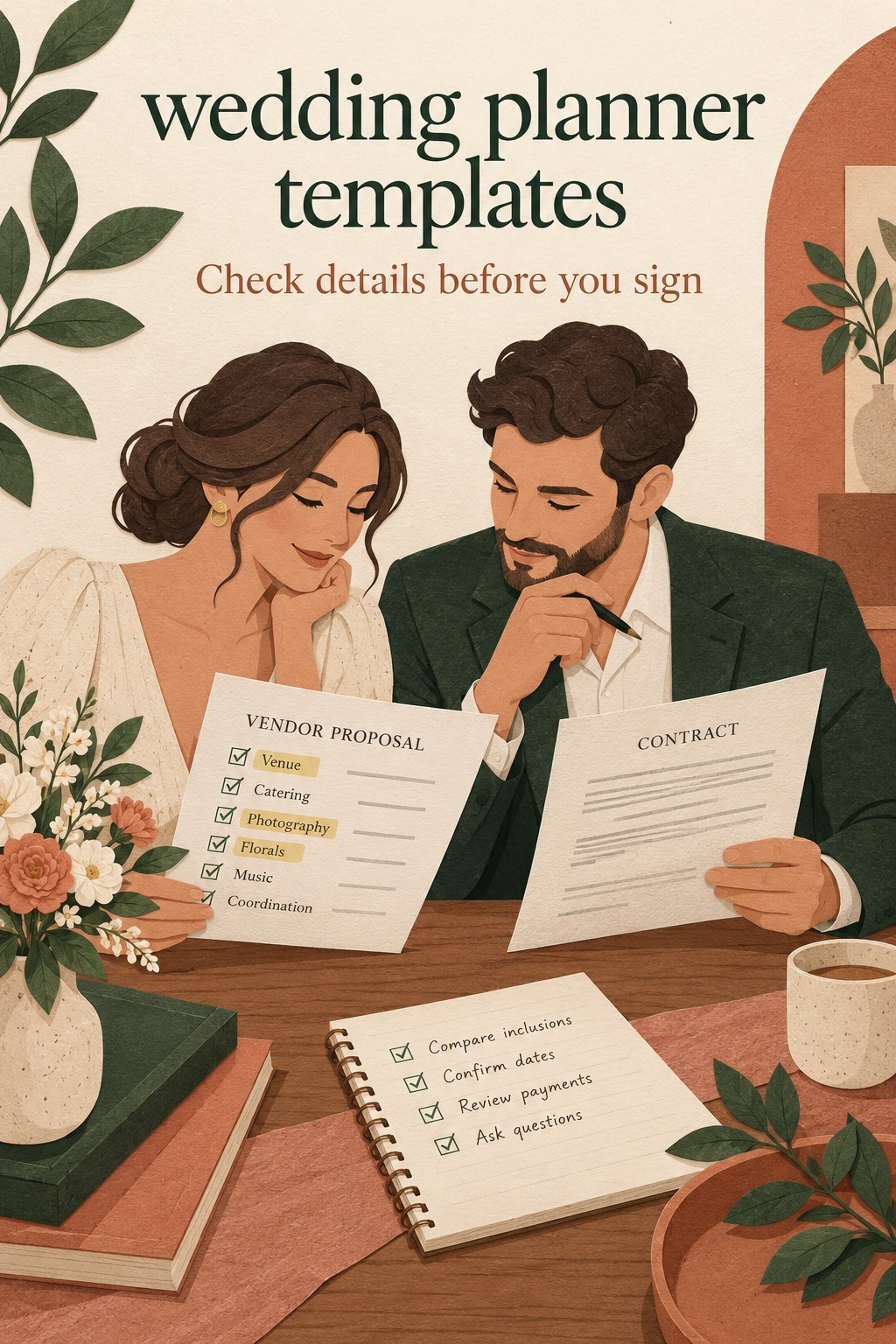
A comparison worksheet helps you choose which offer to pursue. It does not replace the vendor’s contract. Before signing, read the agreement itself and compare it with the proposal and any answers you received. Confirm that the names, event details, services, deliverables, quantities, payment dates, and additional charges match what you intend to book.
The Knot’s guide to wedding vendor contracts explains that written agreements can cover services, payment terms, event details, responsibilities, and cancellation or service-change terms. Use your worksheet to identify what needs checking, not to interpret legal language or decide whether a clause is enforceable. If a term is unclear or significant, ask the vendor for clarification and consider qualified legal advice where appropriate.
Make a short reconciliation list with three columns: worksheet note, contract wording, and question to resolve. If the worksheet says that setup is included but the agreement says the couple must arrange it, pause and ask which document reflects the current offer. If an optional extra appears in the contract total, confirm whether you approved it. If a payment deadline changed, update your current planning record after you understand the change.
Keep the final comparison separate from the signed agreement. The worksheet can help you remember why you chose a vendor and what you still need to coordinate. The agreement remains the document to review for the actual booked services and terms. Do not write over an original proposal or contract to make it look consistent with your notes. Ask for a revised document or written clarification instead.
Know When Two Proposals Are Not Comparable Yet
Sometimes one proposal is not simply a better or worse version of another. The vendors may be quoting different amounts of work. One venue might include furniture and staff while another charges separately. A planner’s package may begin at a different stage of the engagement. A caterer may be using a different guest estimate. In those cases, the comparison should show the difference, not hide it behind a single total.
Use one of three next steps. First, ask both vendors to quote the same scope if they are able to do so. Second, mark one offer as a partial fit and list what you would need to arrange separately. Third, keep the offers in separate categories because the services are not interchangeable. You can still choose between them, but you should name the trade-off you are accepting.
Do not force a numerical score when the information is incomplete. A vendor with a lower total may be the right choice if the excluded work does not matter to you. A higher offer may be easier to evaluate because it explains more. That difference is a reason to ask another question, not proof that one vendor is more honest or more capable.
Once your required scope is covered and the major open questions have answers, you can compare the qualities that matter to you: service approach, communication, availability, deliverables, cost, and how comfortable you feel working together. Keep personal fit visible beside the numbers. A worksheet is there to support your judgment, not replace it.
When you have chosen, mark the decision date, the approved proposal version, and the next payment or planning action. Archive or label earlier offers so they are not mistaken for the current agreement. You do not need to continue maintaining every proposal throughout the engagement. The comparison page has done its job when it helped you make a clear choice and understand what must happen next.
Sources and Methodology
This article draws on a review of ten US search results for wedding planner templates, including template libraries, spreadsheet guides, and downloadable planning packs, plus wedding contract guidance used to verify the proposal-to-contract distinction. The comparison fields are a planning aid and should be adapted to the vendor category and the couple’s actual requirements. Product features and contract terms vary, so review the current written offer before booking.
FAQ
What should a wedding vendor comparison template include?
Include the vendor and proposal date, your required scope, included work, optional extras, exclusions, assumptions, cost, payment timing, availability, open questions, and next action. Add category-specific fields such as coverage hours for photography or access and setup details for a venue.
How do I compare wedding vendor quotes fairly?
Write the work you need before comparing offers, then check how each proposal covers the same date, location, quantity, hours, and deliverables. Ask about missing or unclear items and keep optional extras separate from the base offer until you decide whether you need them.
Should I compare vendors by total price?
Compare totals only after you understand the scope behind them. A low headline figure may exclude work, travel, equipment, or additional hours that another offer includes. Record confirmed extra costs separately and label estimates until the vendor confirms them.
What if a vendor proposal does not list something I need?
Mark the item as unclear rather than assuming it is included or excluded. Ask the vendor to confirm whether the service is available, what it would cost, and whether it can be added to the written proposal. Update the comparison when you receive a clear answer.
Can I use one wedding planner template for every vendor?
You can reuse a core structure for vendor, offer date, scope, cost, questions, and next action. Add category-specific fields for the actual service. The details for a venue, photographer, caterer, and florist differ, so one identical set of columns may hide information you need.
Is a vendor comparison worksheet the same as a contract review?
No. The worksheet helps you compare proposals and identify questions. The contract is the written agreement for the services, payment, timing, and terms you are accepting. Check that the documents match, ask for clarification when they do not, and seek qualified advice for legal interpretation.
When should I stop comparing wedding vendors?
Stop when each viable offer covers your required scope clearly enough to make a decision, the important open questions are answered, and you understand the remaining trade-offs. You do not need every detail to be identical. You do need to know which differences matter to your plans before you commit.
Leave a Reply