
A wedding planning calendar should do more than fill every square with tasks. It should tell you what matters next, which decisions depend on one another, and who needs to act before a deadline becomes urgent. The best system is the one you and your partner will actually open, update, and understand on a busy Tuesday.
That is why choosing a wedding planning calendar is not simply a question of downloading the longest checklist. A paper planner can make the whole process feel tangible. A spreadsheet can make costs, contacts, and deadlines visible in one place. An app can send reminders and adjust dates. A hybrid system can give you the strengths of each without forcing every planning detail into one format.

This guide compares those options and shows how to build a calendar around your actual engagement length, decision style, wedding size, and vendor commitments. You will also find a simple way to compress the plan if you have six or three months, plus a set of questions to help you choose before the planning workload gets noisy.
What a wedding planning calendar should do
Start by defining the job. A calendar is not a storage unit for every idea you have seen online. It is a decision and timing system. Every entry should help you answer one of four questions: what needs to be decided, what needs to be booked, what needs to be communicated, or what needs to be checked before the wedding day.
The first useful feature is a clear next action. “Think about flowers” is too vague to place on a calendar. “Choose three floral directions and request two proposals” gives you something you can finish. The second is an owner. A shared task can still belong primarily to one person, a partner, a family member, or a planner. Naming that person reduces the quiet assumption that someone else will handle it.
The third feature is a real deadline. Some tasks have fixed dates, such as an invitation mailing window or a venue final headcount. Others have preferred windows, such as attire shopping or menu decisions. Marking the difference helps you spend energy where timing has consequences instead of treating every task as equally urgent.
The fourth feature is a dependency. A venue choice may affect the date, guest capacity, catering rules, rental needs, and transportation. A guest-count decision affects the budget and the size of the venue. When a calendar shows those links, it becomes easier to understand why one decision needs attention before another.
Finally, leave room for unknowns. Vendor availability, family conversations, travel plans, and personal energy can change. A calendar with no breathing space is not efficient; it is fragile. Use weekly focus areas and a short buffer rather than filling every day with a promise you may not be able to keep.
Choose the right calendar format
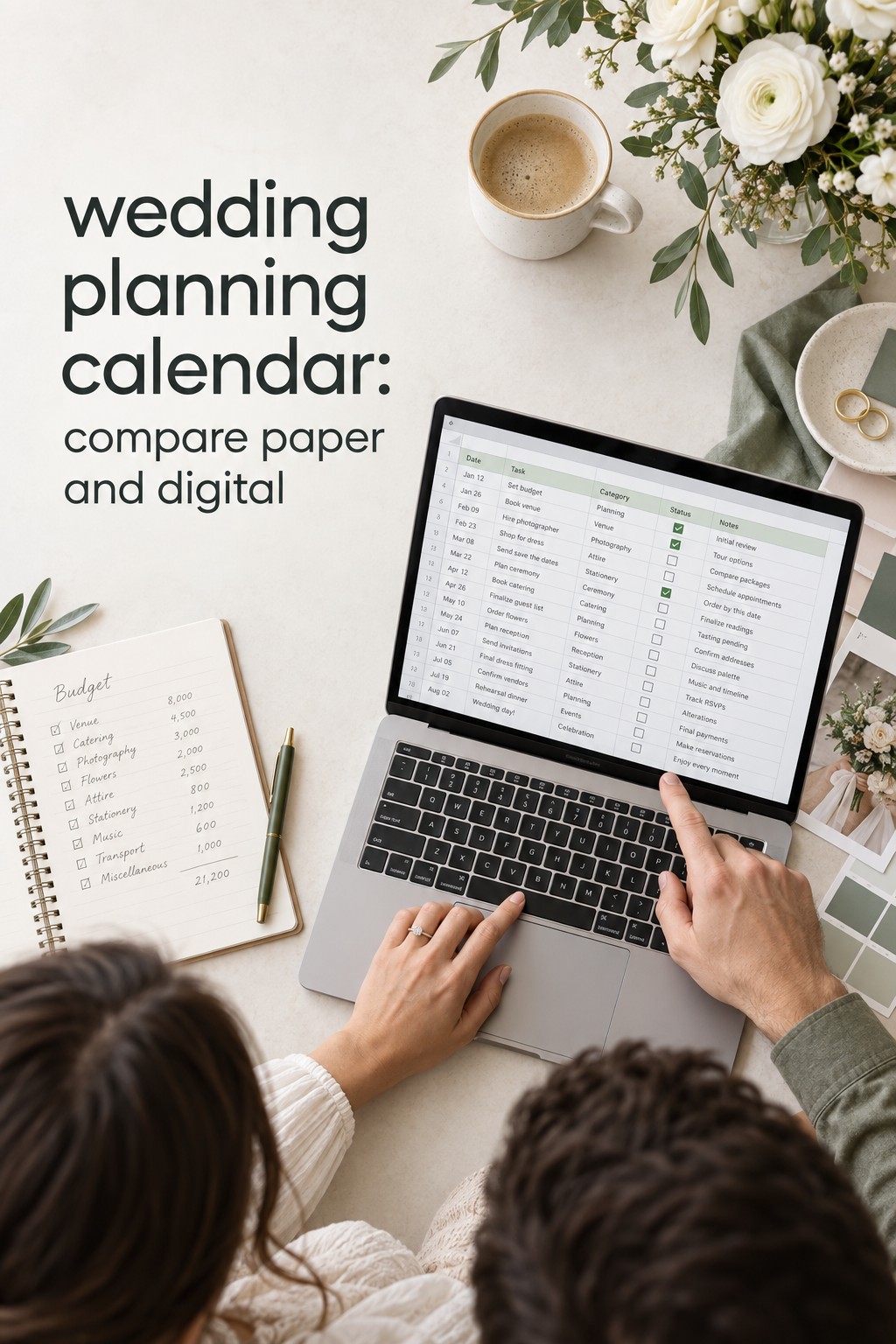
A paper calendar works well when you think spatially and enjoy seeing progress away from a screen. It can be a wall calendar, a bound planner, or a binder with monthly pages. Paper makes broad timing easy to see and can become a calm planning ritual. Its limits are collaboration, search, version control, and reminders. If several people need access, define one person as the keeper of the current version.
A spreadsheet is a strong choice when your planning involves many vendors, changing numbers, or detailed comparisons. You can create separate tabs for the calendar, budget, guest list, vendor contacts, payments, and questions. A spreadsheet also makes it simple to filter tasks by month, owner, status, or category. Its main risk is overbuilding. If the file requires a tutorial before either partner can use it, simplify the structure.
An app is useful when reminders and mobile access matter more than a complete custom database. Digital checklists can work well for couples who plan between commutes, work breaks, and venue visits. Some tools personalize dates around your wedding date, which saves setup time. Before committing, check whether both partners can edit, whether tasks can be removed, and whether the system supports notes that explain why a deadline matters.
A hybrid calendar is often the most practical answer. Keep the master deadlines and owner assignments in a shared digital calendar or spreadsheet. Use a paper page for the month’s priorities and meeting notes. Store contracts and detailed vendor information separately, then link to them from the master system. This keeps the calendar readable while preserving the evidence you need when a decision is revisited.
Choose based on behavior, not aspiration. If you love beautiful stationery but rarely update it, paper alone may not be enough. If you build elaborate spreadsheets and stop opening them, the design is working against you. If your partner prefers quick phone tasks and you prefer a weekly overview, a hybrid setup can respect both styles without creating two competing plans.
The Wedding Command Center can also be useful as a planning resource when you want a central place to keep the moving parts visible. Treat it as a support for your chosen system, not as a reason to add more tracking than your wedding actually requires. The goal is fewer forgotten handoffs and clearer decisions.
Build the calendar around deadlines and dependencies
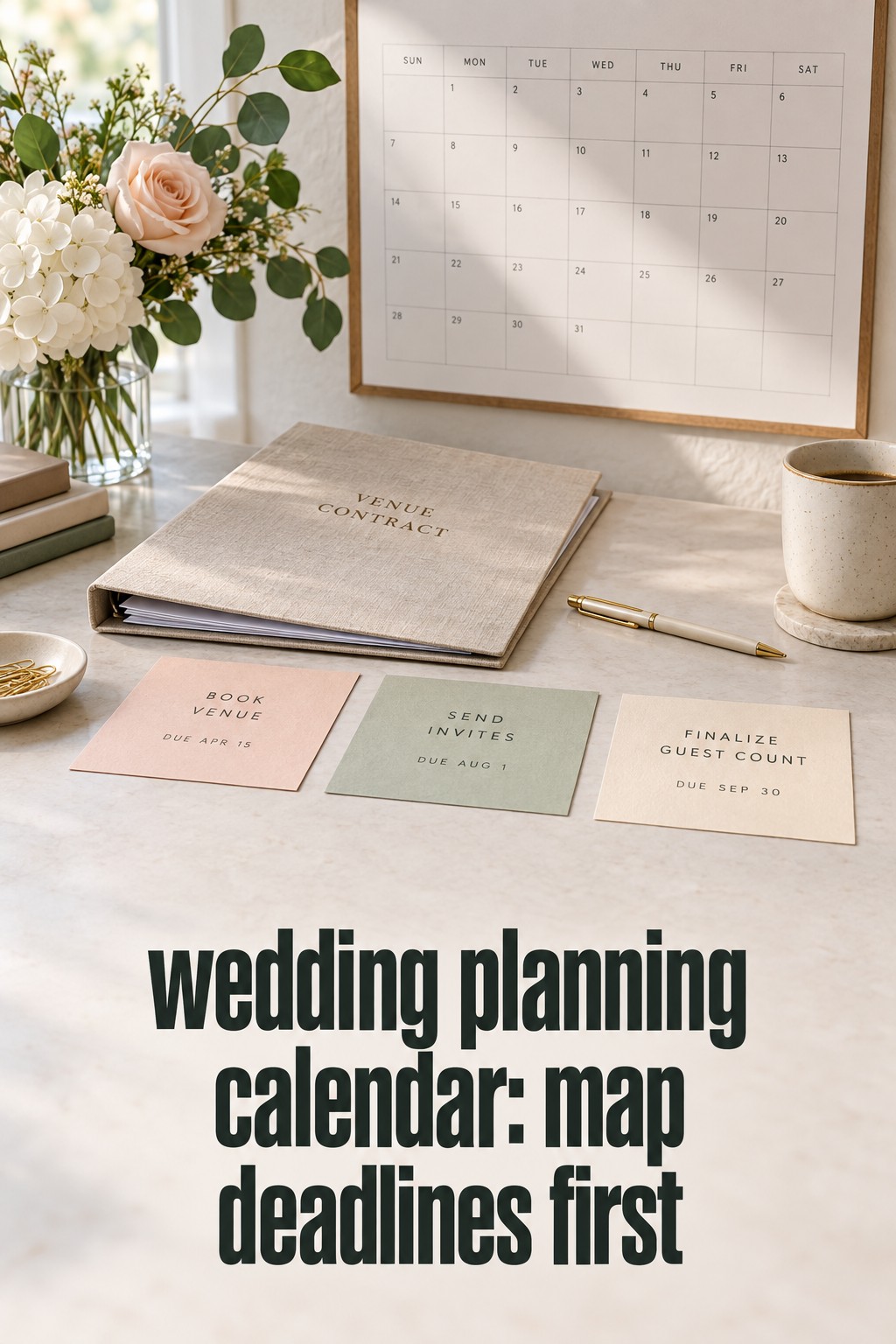
Begin with the wedding date, ceremony location, reception location, and engagement length. If the date is not set, create a planning window instead of pretending that every month is fixed. Add the commitments that are difficult to move first: venue availability, vendor booking windows, invitation production, attire alterations, guest travel, and any legal or religious requirements that apply to your ceremony.
Next, create four layers. The first layer is decisions, such as guest-count range, ceremony style, budget priorities, and the kind of experience you want guests to have. The second is bookings, such as venue, photographer, caterer, entertainment, rentals, beauty services, and transportation. The third is communications, including save-the-dates, invitations, RSVP follow-up, family updates, and vendor questionnaires. The fourth is execution, including fittings, final counts, seating, packing, payments, and handoffs.
Within each month, give the calendar one headline. For example, an early month might be “make the big decisions,” a middle month might be “secure the guest experience,” and a final month might be “confirm and hand off.” This makes the system easier to scan than a long list of unrelated tasks. It also helps you tell the difference between work that moves the plan forward and work that merely creates more options.
Use a simple entry format: task, owner, target date, dependency, and definition of done. Add a link or note only when it helps someone complete the task. For instance, “compare venues” should include the guest range, date options, budget ceiling, and questions to ask. “Book venue” should include the signed agreement, payment schedule, and next deadline. The more concrete the completion note, the less likely a task will remain half-finished.
Review the calendar once a week for about twenty minutes. Move completed items out of the active view, choose the next three meaningful actions, and check whether any decision is blocking other work. Do not use the review to redesign the entire system. A calendar earns its place by making the next week clearer, not by becoming another project.
Add a short “waiting on” list. It might include a family answer, a venue contract, a vendor proposal, or a guest address. This prevents pending work from being mixed with tasks you can complete today. Set a follow-up date for each item. If a response is still missing then, decide whether to send a reminder, choose another option, or ask for help.
Keep a separate idea bank for details that are not ready to decide. Pinterest inspiration, favor ideas, ceremony readings, and color references can be valuable without belonging on the active calendar. When ideas and deadlines share the same view, inspiration can crowd out the decisions that protect your date, budget, and guest experience.
Adapt it for 12, 6, or 3 months
A 12-month calendar gives you room to sequence decisions. Use the first phase to establish the budget, guest range, priorities, and date or venue. The next phase secures the vendors and attire with the longest lead times. The middle phase turns the vision into guest communications, ceremony details, menu choices, rentals, and travel information. The final phase is for confirmations, final counts, packing, payments, and handoffs rather than major experiments.
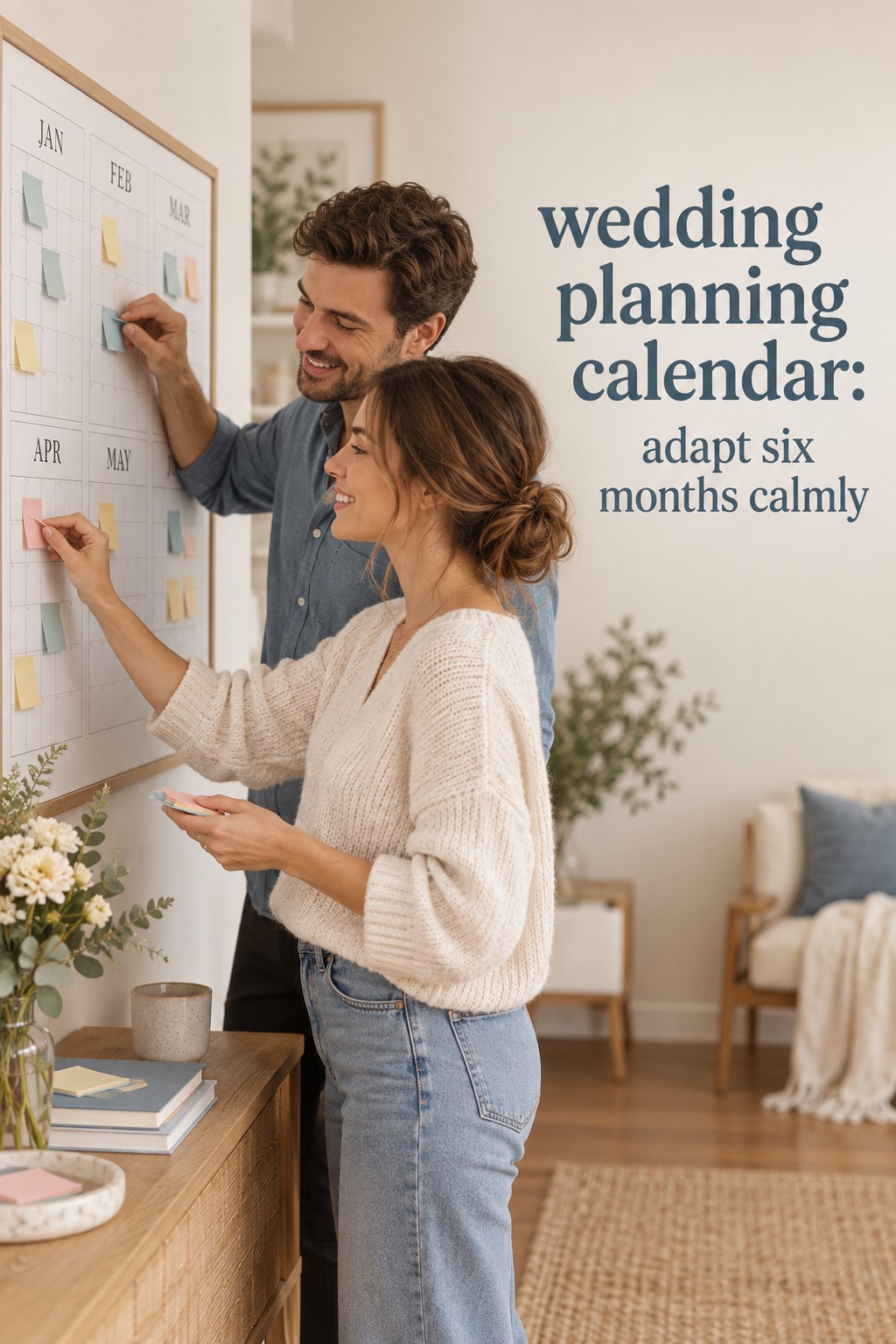
For a 6-month engagement, do not simply squeeze twelve monthly columns into half the space. Remove low-consequence decisions, group related appointments, and start with the commitments that can limit every other choice. Venue, budget, guest count, and priority vendors belong at the front. You may need to choose a ready-made design direction, reduce custom details, or delegate administrative work so the calendar remains realistic.
For a 3-month engagement, build a minimum viable wedding plan. Decide the venue, ceremony format, guest range, budget guardrails, and priority vendors immediately. Ask each vendor for the fastest realistic path and write their deadlines into the calendar. Combine tasks that depend on the same appointment, use existing or simplified stationery, and appoint someone to manage questions and day-of logistics. Short planning does not require panic, but it does require fewer open loops.
Long engagements need a different kind of protection. Instead of filling every month with tasks, set a small number of milestones and a quarterly review. Confirm that the budget still reflects your priorities, that the guest range is still credible, and that booked vendors have the information they need. A long timeline can create decision fatigue when couples keep reopening choices that were already good enough.
Destination weddings, large guest lists, and weddings with multiple events need extra calendar layers. Add travel communication, room blocks, welcome events, rehearsal activities, and local delivery deadlines. Keep one master date for the wedding weekend, then create a second event-day timeline later. The planning calendar gets you to the weekend; the event-day timeline tells people where to be once the weekend begins.
Whatever the planning length, protect the decisions that affect other people. Guests need enough notice to travel. Attendants need enough time for attire and fittings. Vendors need accurate information before they can create a schedule. Your calendar should prioritize these handoffs ahead of decorative details that can be changed without disrupting the rest of the plan.
Common mistakes to avoid
The first mistake is treating a sample timeline as a contract. Online calendars are useful starting points, but they cannot know your date, venue rules, vendor availability, travel distance, family structure, or energy level. Use them to see the shape of the work, then adjust the sequence around your actual commitments.
The second is confusing a deadline with a suggestion. Ask why each date exists. A vendor may need information by a certain date to order materials. A venue may need the final guest count to prepare staffing. An invitation may need to be mailed early because guests are traveling. When you understand the reason, you can make a sensible adjustment instead of either ignoring the date or treating it as immovable.
The third is putting every task on the calendar without assigning responsibility. Shared ownership sounds fair but often means no one feels accountable. Give each item one primary owner, then list collaborators in the notes. This is especially important for guest addresses, payment tracking, family communication, and vendor follow-up.
The fourth is keeping completed and active work in the same crowded view. Archive finished tasks or filter them out. Keep a short record of important decisions, but do not force the active calendar to carry your entire planning history. A clean view reduces the feeling that you are behind when you are actually making progress.
The last mistake is using the calendar to avoid a conversation. If the budget, guest list, division of work, or family expectations are unclear, adding more tasks will not solve the problem. Put the conversation itself on the calendar, decide what you need to learn, and record the agreed outcome. A good wedding planning calendar makes decisions visible; it cannot make them for you.
FAQ
What is the best wedding planning calendar format?
The best format is the one you will update consistently. A spreadsheet is often the most flexible for shared planning, while an app is helpful for reminders and mobile access. A paper or hybrid system can be better if you need a visible monthly overview. Choose one master source of truth so deadlines do not split across competing versions.
How far in advance should a wedding planning calendar start?
Start as soon as you have a planning window, even if the wedding date is not final. Use broad time ranges until the date and venue are confirmed. Once those are set, replace the ranges with real deadlines and work backward from vendor, invitation, attire, travel, and final-count requirements.
Can I use a wedding planning calendar for a six-month engagement?
Yes. Build it around the decisions and bookings that constrain the rest of the plan, then remove low-priority tasks and combine related appointments. A six-month calendar should not attempt to preserve every optional detail from a 12-month checklist. Protect guest communication, vendor lead times, attire, legal requirements, and the final handoff.
What should every calendar entry include?
Include the task, primary owner, target date, dependency, and definition of done. Add the contact, file link, budget note, or follow-up date when it helps someone act. Avoid vague entries such as “work on invitations.” Use a finishable action such as “approve wording and send the final proof to the stationer.”
How do I keep my wedding planning calendar from becoming overwhelming?
Keep one active view, choose three meaningful actions each week, and store ideas separately from deadlines. Review the calendar at the same time each week, archive completed work, and maintain a waiting-on list for external responses. If the system still feels heavy, remove detail before adding another tool.
Should my wedding planning calendar include the wedding day timeline?
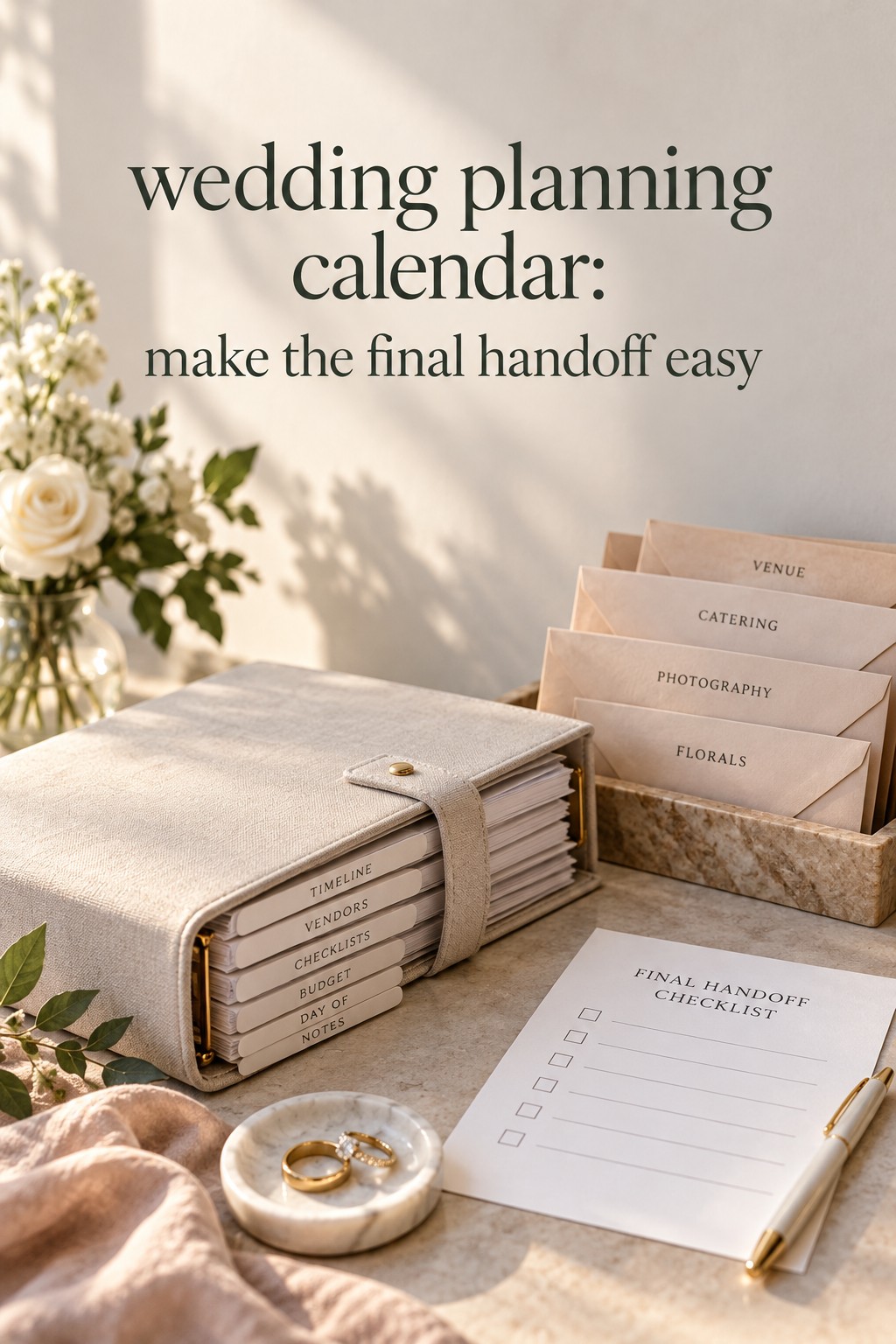
Include a milestone for creating and approving the wedding day timeline, but keep the detailed event-day schedule in its own document. The planning calendar covers months of decisions and handoffs. The day-of timeline covers exact times, locations, vendor arrivals, transitions, and who is responsible during the celebration.
Leave a Reply