
A large download can look like a complete wedding plan. Then the pages arrive: another checklist, a second budget, three places to write guest names, and a timeline that does not match your venue contract. The most useful wedding planner printables are not necessarily the ones in the biggest bundle. They are the pages that help you make a real decision, record it clearly, or hand the right information to someone else.
Choose a printable one task at a time. Ask what decision it supports, who will use it, how often its information changes, and whether paper makes that work easier. Then print a small sample before building a full set. This approach keeps the convenience of a paper worksheet without creating a second planning system that competes with your current notes.

Start With the Next Decision, Not the Size of the Download
Before you save a PDF, name the next decision you need to make. It might be choosing between two venues, confirming a working guest range, comparing florist proposals, or deciding what information a day-of helper needs. A printable earns its place when it gives that decision a clear space and a useful next step.
Use a four-question test for each page:
- What job does this page do? “Help compare venue proposals” is clearer than “wedding planning.”
- Who will fill it in? Name one person to update it, even if several people contribute information.
- When will it be used? A vendor comparison belongs before booking. A final schedule belongs near the handoff stage.
- What happens after it is complete? The page should lead to a decision, confirmation, conversation, or clear record.
If you cannot answer those questions, save the page for later instead of printing it now. Some forms are reference material, some collect active information, and some are only useful when a particular decision comes up. A list of possible pages is not a to-do list. You do not need to complete every worksheet just because a bundle includes it.
Also look for duplicate jobs. A master checklist and a date-based timeline may both contain tasks. A budget overview and a vendor payment tracker may both show costs. That can be useful if one page summarizes and the other holds detail, but it becomes confusing when both are edited as independent records. Before printing, write a short note on the cover or first page explaining where the current answer lives.
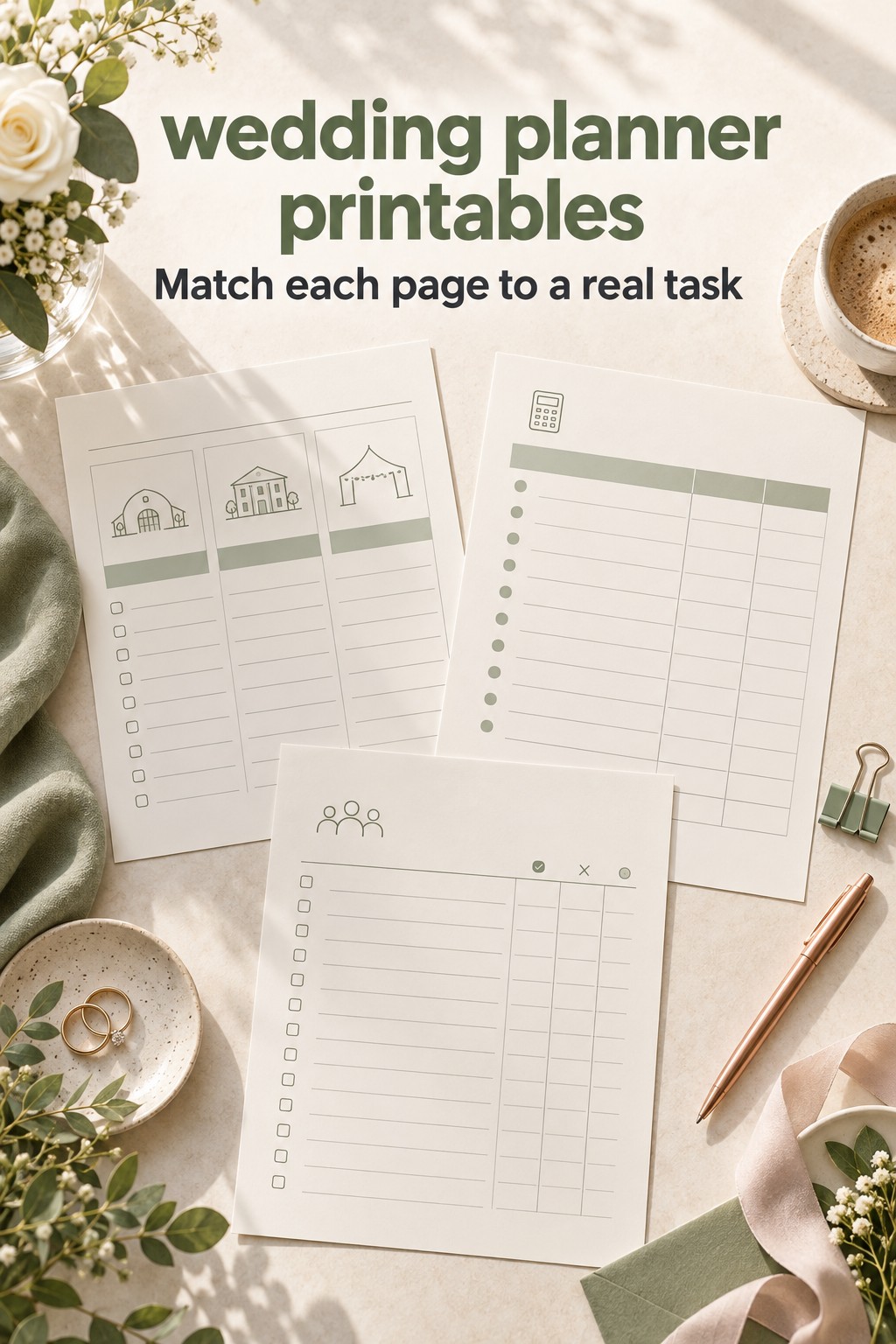
A printable collection can include dozens or even hundreds of pages across budgets, guests, contacts, fittings, flowers, and event-day details. That breadth can help you find a page for a specific task, but it does not tell you which pages your wedding needs. Treat the collection as a menu. Select the pages that fit your decisions and leave the rest unprinted.
Choose Printable, Editable, or Both by How Often the Information Changes
Paper is especially useful when people need to think together, sketch options, take notes during a meeting, or review a clean summary without opening a device. A venue comparison sheet can help you capture impressions while touring. A blank ceremony-order page can make it easy to discuss sequence with family. A short vendor contact sheet can travel with the person coordinating arrivals.
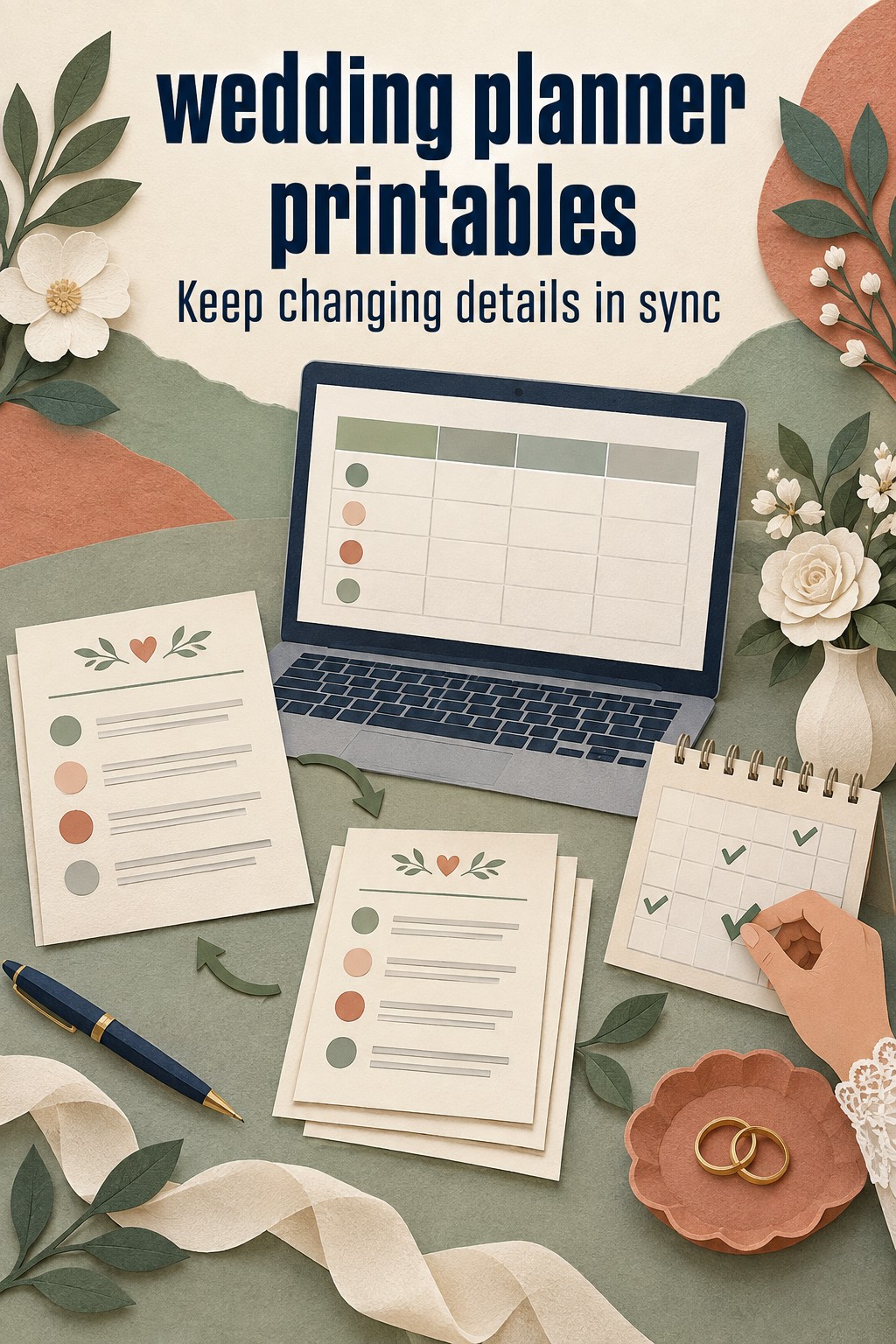
Other details change too often for a loose page to be the only record. Guest responses, meal choices, payment balances, vendor arrival times, and seating assignments can shift after a printable has been filled in. If you make updates in multiple places, the older copy may look authoritative even when it is no longer current.
Use this simple distinction:
- Print for thinking. Use paper for brainstorming, short-term comparisons, sketches, meeting notes, and a focused handoff.
- Keep editable for changing facts. Use one current digital record for information that receives new names, replies, amounts, dates, or assignments.
- Use both when they have different jobs. Let the editable file hold the current details. Print a dated snapshot when someone needs to review or act on a defined version.
This is not a rule that every couple needs a spreadsheet. A notebook, shared folder, or planning platform can serve as the current record if both partners know where it is and how it is updated. The important distinction is between a temporary working page and the place you will check for the latest answer.
Some wedding planning spreadsheets are printable, which can be helpful when a family member prefers paper but the couple still needs editable data. The The Knot spreadsheet guide shows a range of planning sections that can live in a workbook. Use a printed sheet as a view or meeting aid when that makes sense, then decide where changes to the underlying information will be recorded.
If a more guided planning resource would support the way you organize decisions, The Wedding Command Center may be worth exploring alongside your selected printables. Keep the purpose of each tool clear: avoid entering the same changing detail in several places unless you have a simple process for keeping them aligned.
Build a Small Starter Set Around the Next Planning Phase
Instead of asking which pages belong in a complete planner, ask which pages will be used in the next few weeks. Your starter set can grow when the work changes. This keeps the pages close to the decisions in front of you and gives you a chance to learn what you actually use.
When you are setting direction
A short priorities worksheet can capture what matters most to you, the approximate guest range, possible locations, and questions that need discussion. A rough budget page may help you compare broad scenarios. Keep this early page light. It should help you talk through choices, not make an early estimate look like a final commitment.
When you are comparing venues or vendors
Choose a comparison sheet with the same fields for every option. Record the proposal date, what is included, what costs extra, payment timing, open questions, and the next action. Add a space for the source of each figure, such as a proposal or call note, so you can find context later. A notes area with enough room is more useful than a decorative score that hides the reason for your preference.
When guest responses are arriving
A guest and RSVP page can be handy when you are checking invitation wording, grouping households, or reviewing meal requirements together. If responses are still coming in, decide which record is authoritative and how often the page will be refreshed. A printed list can help at a meeting, but mark the date it was printed and use the current record for changes made afterward.
When details are moving toward the wedding day
A run-of-show or day-of schedule is useful when the start times, locations, arrivals, and responsibilities have been checked with the people involved. A generic timeline can be a starting point, but the final schedule should reflect the actual venue access, vendor agreements, ceremony plan, travel between locations, and the person responsible for each handoff. Keep an early draft visibly labeled as a draft.
These examples are a starting point, not a required sequence. A small wedding may need only a budget decision page and a short day-of handoff. A multi-event celebration may need separate working pages for each location or gathering. Choose by the work you have, not by the number of sections in a download.
The free pages on Grid and Paper, for example, are grouped by planning checklists, budget, guests and seating, and day-of details. That category structure is useful when you want to locate a page for one job. Before using any download, still check that its fields and timing fit your own plan.
Pilot-Print a Few Pages Before Committing to a Full Set
A printable can look clear on a screen and feel cramped once it is on paper. Run a small test with one page you will use soon. Choose a real task, fill in a few fields, and notice whether the page makes the work easier. If you are still hunting through notes to find the next action, the sheet may need fewer boxes or a different purpose.
Use this pilot-print review:
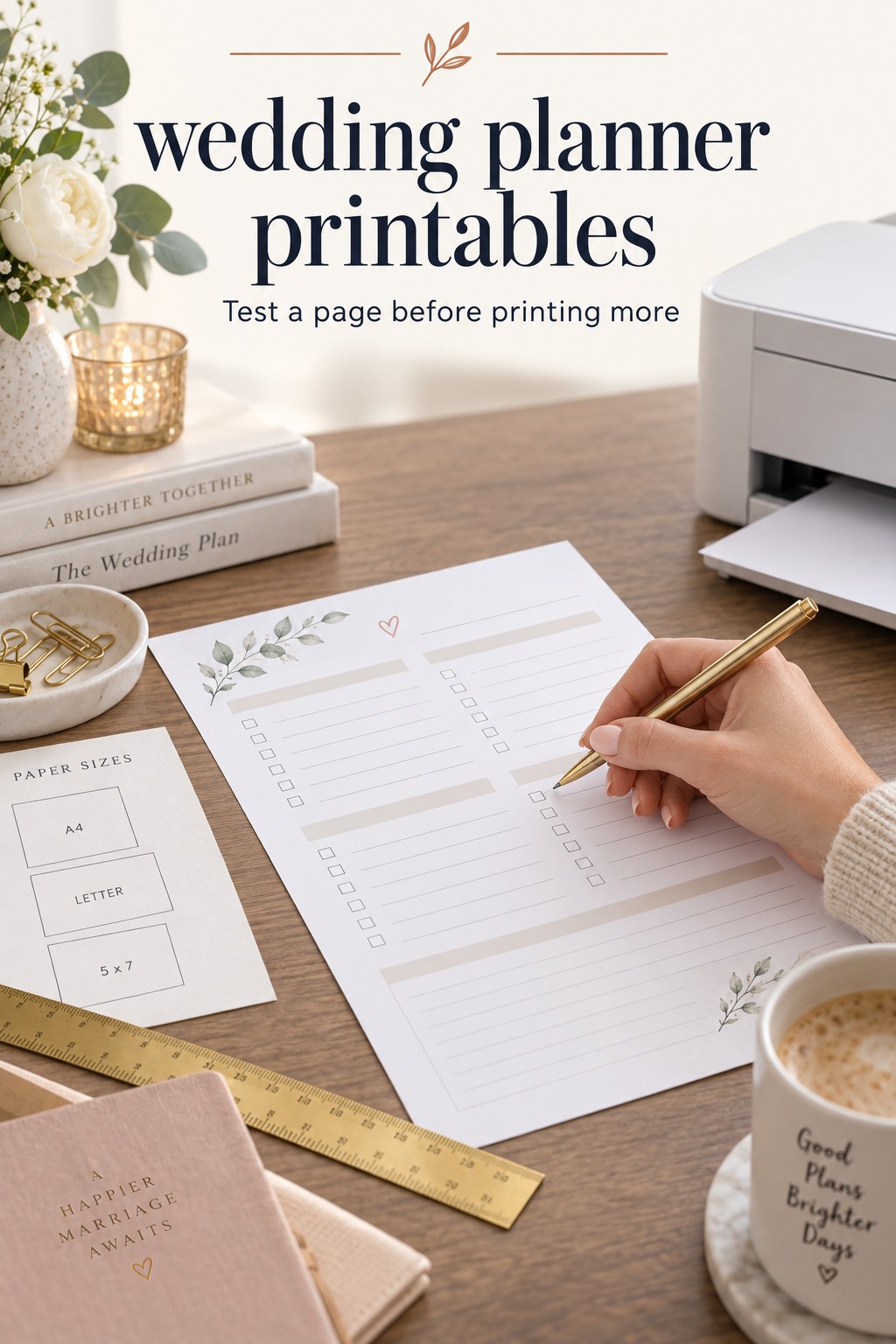
- Confirm the paper size. Check whether the file is designed for US Letter or A4, and select the matching page size in the print dialog.
- Check scaling and margins. Make sure labels and writing areas remain readable and that nothing important is clipped.
- Write with the tool you expect to use. Test a pen or pencil in the smallest fields. If the answer barely fits, choose a roomier page.
- Try the page during the actual task. Bring it to the venue visit or vendor conversation it is meant to support.
- Review it afterward. Did it capture information you could not easily retrieve elsewhere? Did it make the next decision clearer?
- Check the handoff. Could another person understand the labels without an explanation from you?
If the printable does not help, edit your selection before printing more. A blank note page might work better than a form designed for a different type of wedding. You can also write a few labels by hand or attach a separate notes page instead of searching for a perfect template.
For pages you will reuse, test the number of copies too. A vendor comparison may need one page per candidate, while an overview may need only one current version. A seating sketch may be revised several times, so a working copy can be useful. For a final schedule, printing many copies before the last confirmations may create waste and confusion. Print the handoff version only when its recipients and details are settled.
Some printable pages can be filled in on a device, while others are meant to be printed and completed by hand. Confirm that the file opens in a format you can use, and check whether any editable version preserves the same layout. Do not assume that a form advertised as printable will also be easy to adapt to your own fields.
Keep Changing Information Consistent Across Paper and Digital Copies
A printed page becomes risky when nobody can tell whether it is current. Give changing sheets a visible date, owner, and source note. For example: “Guest meal review, updated May 8, source: shared guest list.” The exact wording is up to you. The goal is to make the page’s status obvious to the next person who sees it.
Use a short update routine whenever something changes:
- Enter the change in the agreed current record.
- Update or replace any paper page that someone will still use.
- Mark a superseded page “old copy” or recycle it so it does not remain in circulation.
- Tell the people who rely on the information where the current version lives.
Not every change requires a new printout. If a guest corrects an email address, update the current guest record. If the seating plan is being discussed on paper, make the change on the working sketch and later transfer the chosen arrangement to the authoritative guest or seating record. Print a replacement only when someone needs the page to make a decision or carry out a task.
For a handoff, think about who needs what rather than sending the entire collection. A venue contact may need the setup timeline and access details. A person helping with guest arrivals may need a contact list and transportation notes. A vendor may need their arrival time and the information relevant to their service. Keep private budget notes, personal addresses, or unrelated planning discussions off a page that does not need them.
Before sharing, confirm that the document is final enough for its purpose, identify who can answer questions, and include a way to reach that person. A concise, current page is easier to act on than a thick packet of old planning material. If details are still being confirmed, label them as provisional and state when a final version is expected.
When a new decision changes a page, keep a note of what changed and why if the context may matter later. A single sentence such as “Moved the ceremony start after confirming venue access” can explain why the schedule was revised. A short update note is often more useful than keeping every draft indefinitely.
Common Printable Choices and What to Verify Before Using Them
Planning checklists: Check whether the page is organized by months, milestones, or task categories. Treat generic date ranges as prompts, then compare them with your actual booking windows and agreements. Assign an owner to open tasks so the list does not become a collection of reminders with no next step.
Budget worksheets: Look for room to distinguish estimates, quoted amounts, signed costs, payments, and balances. If the form has one cost box, add a note that explains what the figure represents. A worksheet that blurs a guess and a commitment may make a budget look more certain than it is.
Guest and RSVP pages: Check how the form handles household invitations, plus-ones, reply status, meals, and seating. Use only fields that support a decision or service need. Decide where new replies will be entered, especially if more than one person is helping.
Vendor comparison sheets: Make sure each candidate is judged with the same prompts. Include what is included, exclusions, open questions, decision date, and the source of the quote. A printable can organize a comparison, but the signed agreement remains the place to verify the contracted terms.
Wedding-day timelines: Confirm the page includes time, location, task or event, responsible person, and relevant arrival or setup notes. Adapt the draft with your venue and vendors. A template is not confirmation that the timing will work for your particular day.
Seating and layout pages: Check whether the page matches the room and table shapes you are planning. A useful sketch gives you enough room to revise names and table assignments. Keep the chosen arrangement connected to the latest guest count and any venue floor-plan requirements.
Across every category, check legibility, page size, field labels, revision date, and who will use the finished sheet. If a page is not helping with a real task, you can leave it in the download folder. Your planning system should reflect your celebration, not the contents of a template bundle.
Sources and Methodology
This guide was informed by a review of ten US search results for wedding planner printables, including printable page libraries, wedding planning guides, downloadable templates, and worksheet examples. Template contents and file formats can change, so check the original download before relying on a particular page or feature.
FAQ
What wedding planner printables should we use first?
Start with one page for the next decision you need to make, such as a venue comparison or a short priorities worksheet. Add a budget, guest, vendor, or timeline page when that task becomes active. You do not need to print every page in a collection before you know how you will use it.
Are wedding planner printables better than a spreadsheet?
They do different jobs. Paper can be useful for discussion, sketches, meeting notes, and focused handoffs. An editable record is usually easier to maintain when names, dates, replies, or payments change. Use both if you decide which one holds the current information.
How do we avoid printing duplicate information?
For every page, identify the job it performs and the location of the current answer. If a checklist and timeline both mention the same task, decide which one is the active tracker and use the other as a summary or reference. Avoid updating two sheets independently unless one person is responsible for reconciling them.
Should we print a wedding guest list?
A printout can help during a focused review or discussion, especially when collaborators prefer paper. Date it and identify the current guest record, because replies and meal details may change. Use the latest record when you make a final count or hand information to a vendor.
How can we check whether a printable will work for us?
Print one sample and use it for the task it is meant to support. Check that the text is readable, the fields leave enough writing room, the page size is correct, and another person can understand the labels. Keep it only if it helps you decide, record, or hand off information more clearly.
What should go on a wedding day printable?
A focused day-of page may include time, activity, location, responsible person, vendor or participant, and arrival or setup notes. Share only the information each recipient needs, and verify timing and responsibilities with the people involved before labeling the page final.
How do we keep a printed wedding plan up to date?
Choose one current record for changing details. Date each printout, write where the current version lives, and replace or mark older copies when someone still relies on them. Print a new page when a person needs it to make a decision or complete a task, not after every minor edit.
Leave a Reply