
At first, wedding planning can feel wonderfully simple. You save a few ideas, compare two venues, text your sister about dates, and open a spreadsheet for the budget. Then the decisions multiply. A vendor sends a new proposal, a family member asks about the guest list, and someone needs to know whether the ceremony time is final. The problem is rarely a lack of effort. It is that the same fact begins living in too many places. Good wedding planning organization gives every important detail a clear home, a clear owner, and a clear next step.
This guide is for couples who want planning to feel collaborative and visible without turning their engagement into a second full-time job. You do not need the most elaborate app or a binder with a tab for every possible scenario. You need a small system that answers five questions quickly: What have we decided? What is still open? What happens next? Who owns it? Where is the current information?

The most useful approach is to build one source of truth, then give each kind of information the right place inside it. A dashboard is not the same as a calendar. A contract folder is not the same as a task list. A decision log is not the same as a mood board. When those roles are clear, you can use paper, a spreadsheet, a shared drive, a planning platform, or a combination without losing track of the wedding itself.
The moment wedding planning starts to feel scattered
Most couples notice the organization problem in a small moment. One partner remembers that the photographer’s quote included an extra hour, while the other is looking at an older PDF. A parent has a different guest count from the current list. The venue coordinator asks for the final floor plan, but the latest version is attached to an email that neither partner can find. None of these problems is dramatic on its own. Together, they create hesitation, duplicate work, and avoidable tension.
Start by treating scattered information as a design problem, not a character flaw. If a couple keeps asking the same question, the answer is probably difficult to locate. If a task changes hands repeatedly, its owner may not be visible. If a decision gets reopened, the reason for the original choice may never have been recorded. Wedding planning organization should reduce those frictions before the final months become crowded.
Before choosing a tool, write down the constraints that shape your celebration. Include your date or date range, location, approximate guest range, overall budget boundary, ceremony and reception format, and any non-negotiables. The order matters because these constraints affect almost every later decision. A helpful checklist framework also treats a live task as more than a deadline: it should show the action, its dependency, its owner, and the next review point. This adaptable checklist approach is useful when your timeline does not match a standard twelve-month countdown.
- A decision has one current record, not several competing copies.
- Every active task has one person responsible for moving it forward.
- Every deadline is connected to a real event, payment, delivery, or review.
- Every important file can be found by both partners and the people who need it.
- Every change leaves enough context for someone else to understand what happened.

What a useful wedding planning organization system contains
A calm system usually has five connected parts. You can keep them in one planning workspace with clearly labeled sections, or spread them across a few tools if each tool has a defined job. The goal is not to force every detail into one giant document. The goal is to make the relationship between details obvious. A task can point to a contract. A payment can point to a due date. A vendor record can point to the latest proposal. A decision can explain why a detail changed.
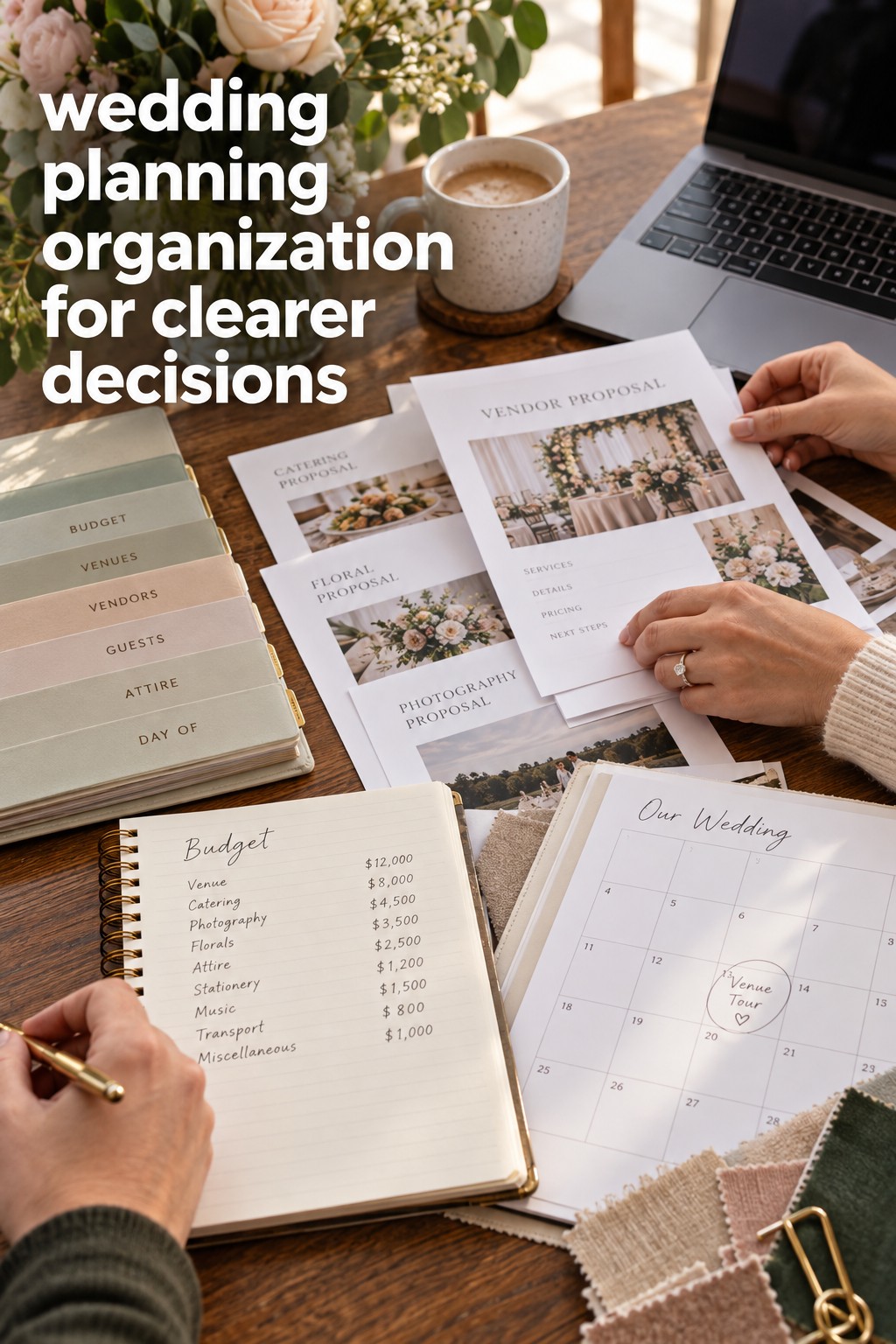
First, create a dashboard for the present moment. This is the page you open during a weekly planning conversation. Keep it short. Include the next five to ten actions, upcoming appointments, decisions waiting for input, payments due soon, and anything that could block another task. Do not turn the dashboard into a complete archive. Its job is to show what deserves attention now.
Second, keep a master task list for the full project. Useful columns include task, category, status, owner, due date, dependency, link to the related file, and next review date. Status should describe reality, not create a false sense of progress. Consider labels such as not started, researching, waiting for reply, ready to decide, booked, paid, and complete. A task is not complete merely because an email was sent if the contract still needs review.
Third, use a calendar only for things that happen at a specific time. Put venue visits, tastings, appointments, payment due dates, guest RSVP deadlines, rehearsal events, and vendor meetings there. Keep flexible tasks on the master list. When every task becomes a calendar event, the calendar becomes noisy and you lose the ability to see what is truly time-sensitive.
Fourth, create a records area for the information you will need to look up. This can include the budget, guest list, vendor tracker, contracts, payment schedule, ceremony details, reception details, attire notes, transportation, and accessibility or meal information. Use consistent names and dates for files. A folder called “final” is not enough. Use a name such as “2026-09-14-caterer-menu-approved” so the status is visible before you open anything.
Fifth, keep a decision log. Record the decision, date, people involved, options considered, final choice, reason, and any tasks it creates. This is especially helpful for guest count, ceremony timing, rain plans, design direction, menu choices, and vendor substitutions. A decision log protects you from repeatedly reopening settled conversations while still leaving room to change course when new information genuinely changes the situation.
A shared resource such as The Wedding Command Center can be useful when you want a planning reference that keeps the practical work visible alongside your personal priorities. Use it as a support for your chosen system, not as another place to duplicate every fact. The best resource is the one you and your partner will actually review and keep current.
How to build the system in one focused afternoon
Set aside two or three uninterrupted hours. Bring your current notes, saved emails, contracts, screenshots, calendar entries, and any spreadsheets you have already started. Do not try to perfect the system while you build it. Your first version only needs to make the present situation visible. You can improve labels and layouts after you understand where the information actually lives.
Begin with an information sweep. Write down every open question, active task, important file, upcoming deadline, and decision you can remember. Add items from your inbox and messages. This is not the time to organize beautifully. It is a brain release. The list may feel long, but it gives you a complete starting point and shows which categories are creating the most friction.
Next, sort the material into a small number of homes: dashboard, tasks, calendar, budget, guests, vendors, files, decisions, and wedding-week handoff. If an item does not fit, pause before creating a new category. It may belong inside an existing one. Too many categories create the same problem as too many apps: you spend energy deciding where to look instead of moving the plan forward.
Now assign owners. An owner is not the person who does every step alone. It is the person who notices the next action, follows up, and reports the current status. You might assign one partner to vendor communication and the other to guest records, then share budget approval and design decisions. Family members and wedding party helpers can own specific tasks too, but make the handoff explicit. “Someone is checking transportation” is not an owner.
After ownership, add dependencies. A dependency explains what must happen before another task can move. You may need a guest range before comparing venues, a venue layout before finalizing rentals, a menu decision before printing place cards, or a confirmed ceremony time before building the day-of schedule. Mark blocked items clearly. A blocked task is useful information because it tells you where a decision is needed.
- Write the outcome you need, such as signed contract, confirmed count, approved design, or paid balance.
- List the decision or action that unlocks that outcome.
- Assign one owner and record the next review date.
- Link the current file, quote, contract, or conversation.
- Move the item to the dashboard only when it needs attention this week.
Finally, establish a weekly review that takes about thirty minutes. Open the dashboard together. Close completed tasks, update changed dates, confirm the next few actions, and move new files into their official locations. Review the budget and payments, then scan the decision log for anything that affects another vendor. If the system takes longer to maintain than the planning itself, simplify it. Organization should make decisions easier, not become another project to manage.

How to keep organization working through the final handoff
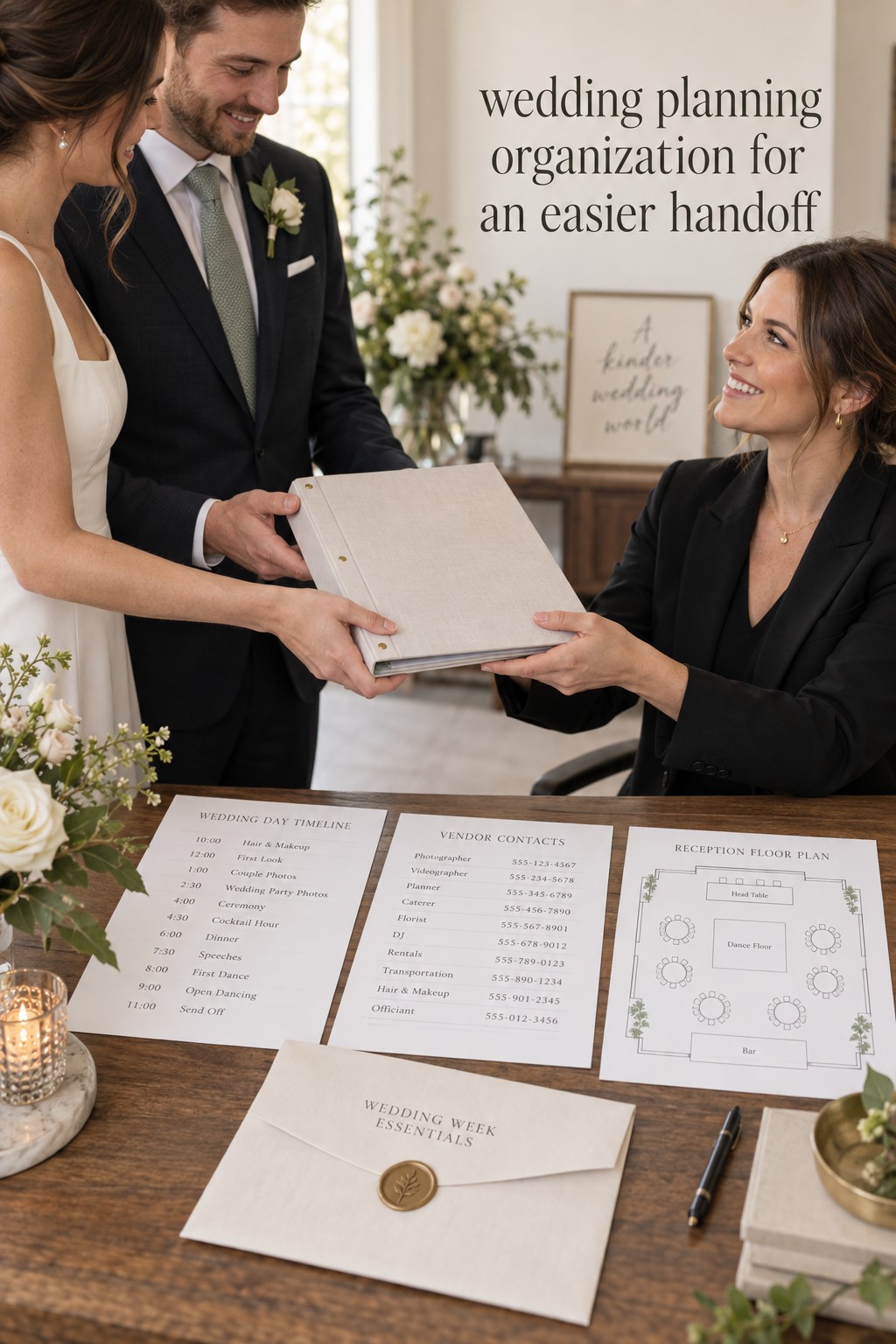
Organization matters most when the number of people involved increases. In the final weeks, vendors, family members, the wedding party, and a coordinator may each need a different part of the plan. Prepare a short handoff packet rather than sending everyone your entire planning archive. Include the final timeline, vendor contacts, venue rules, floor plan, ceremony details, guest or meal notes that helpers truly need, transportation information, emergency contacts, and a list of decisions that should not be changed without approval.
Use one final review to confirm the difference between “approved,” “sent,” and “received.” An email to a vendor is not proof that the vendor has the correct timeline. A paid invoice is not proof that the payment schedule is complete. A seating chart is not final until the people responsible for printing, setup, and meal service have the same version. Put a version date on anything that will be shared widely.
Keep the couple’s personal priorities visible. A system can become technically tidy while losing the reason the wedding matters. Add a small “protect this” section to the dashboard with the guest experience, traditions, moments, or boundaries you want to preserve. When a new option arrives, compare it with those priorities instead of treating every idea as equally urgent. This turns organization into a decision filter, not just storage.
Do not duplicate sensitive or changing information across multiple documents unless there is a clear reason. If the guest list is the official record, link to it rather than copying numbers into five files. If the budget is the source of truth, use a link in the dashboard. If a vendor contract changes, replace the current file deliberately and note the change in the decision log. A central system works because everyone knows which record wins when two versions disagree. A practical organization model also separates dated calendar events from flexible tasks and keeps ownership visible.
In the last week, shift the dashboard from planning mode to handoff mode. The couple should be able to stop answering routine questions because the right helper has the right information. Give one person authority to coordinate vendor questions, one person the emergency contact list, and one person the physical items or envelopes that need to move. Then protect a small amount of time for the couple to be present. The purpose of wedding planning organization is not to control every minute. It is to create enough clarity that you can enjoy the day you planned.
- Do not keep the latest timeline only in a private inbox.
- Do not label a file “final” without a date or version.
- Do not assign a group when one person needs to act.
- Do not add a new tool when a clearer rule would solve the problem.
- Do not continue a weekly review that has become too detailed to sustain.
FAQ
What is the best tool for wedding planning organization?
The best tool is the one both partners can open, understand, and update consistently. A spreadsheet works well for structured records, a shared drive works well for files, and a calendar works well for fixed dates. A planning platform can bring several views together. Choose based on your habits, then define where each type of information belongs.
How can couples divide wedding planning fairly?
Divide ownership by category or outcome, not by asking one person to be the assistant for every task. One partner might own vendor follow-up while the other owns guest records, with shared approval for budget and major decisions. Review the workload weekly so invisible tasks, emotional labor, and family communication are included in the conversation.
Should wedding planning tasks go on the calendar?
Only tasks tied to a real date or time need to become calendar events. Put appointments, payment due dates, RSVP deadlines, tastings, and meetings on the calendar. Keep flexible research, comparison, and follow-up tasks on the master list so the calendar remains readable and useful.
How do we stop having multiple versions of the same wedding file?
Choose one official location for each record, give files consistent names, and link to the current version instead of downloading copies. When something changes, update the official file and record the change. A simple date or version label makes it easier for vendors and helpers to identify the document they should use.
When should we prepare the wedding-week handoff?
Start the handoff structure when you build the main planning system, then complete the working packet several weeks before the wedding. The final version should be checked after the last major vendor confirmations and shared with the people who will use it. Leave enough time for questions, corrections, and a short walkthrough.
Can wedding planning organization still feel personal?
Yes. Organization protects the parts of the celebration that matter to you. Keep your priorities, traditions, guest experience, and boundaries visible beside the practical tasks. When the system helps you decide what deserves time and money, it supports your story instead of flattening the wedding into a checklist.
Leave a Reply