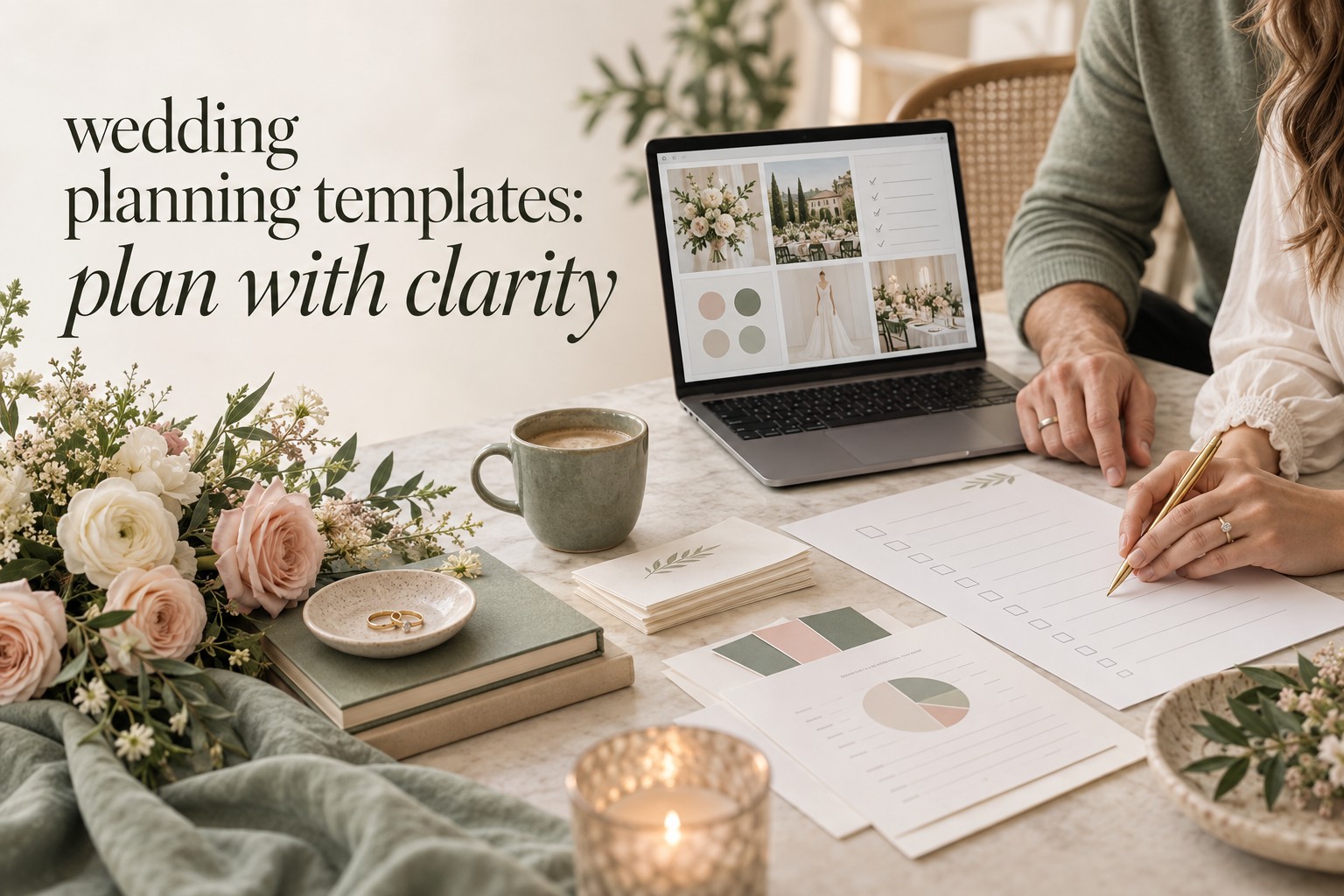
The best wedding planning templates are not the ones with the most tabs, prettiest colors, or longest task lists. They are the ones that make your next decision obvious. A couple planning an intimate dinner needs a different system from a couple coordinating a destination weekend, a large guest list, or several cultural events. The right template should match the way you think, the people who need access, and the information your vendors actually need.
This guide compares the main types of wedding planning templates: printable checklists, spreadsheets, digital workspaces, table-based trackers, and all-in-one dashboards. Use it to choose one primary source of truth, decide which supporting templates are genuinely useful, and avoid the common trap of collecting files instead of making decisions. The Wedding Command Center can also serve as a useful planning resource when you want a shared place for priorities, tasks, and progress. Whatever system you choose, clarity matters more than the brand name.

There is no universal winner. A simple four-tab spreadsheet may be perfect for one couple and frustrating for another. Your goal is to choose a format that you will update consistently, that keeps sensitive information reasonably protected, and that can hand accurate information to the next person when planning becomes busy.
Start with the decision you need the template to support
Before downloading anything, name the planning problem. Do you need to see every task by month? Do you need to know whether the budget is drifting? Are you trying to keep addresses and RSVP answers accurate? Do you need a vendor record that shows contracts, balances, arrival times, and open questions? These are related problems, but they are not the same problem.
Many couples begin with an attractive planner and only later discover that it does not support the information they care about. A printable checklist may show when to order invitations, but it cannot calculate the cost of postage or filter guests who have not replied. A spreadsheet may calculate totals beautifully, but it may feel too abstract when you need an inspiring overview of the whole celebration. A digital workspace may be easy to share, but it can become cluttered if every idea is treated as an active task.
- Choose a checklist when your main need is sequence and momentum.
- Choose a spreadsheet when your main need is numbers, filters, and flexible records.
- Choose a digital workspace when several people need shared access and linked notes.
- Choose a table tracker when you want a simple database for vendors, guests, or tasks.
- Choose an all-in-one dashboard when you value one overview and are willing to learn the system.
Write down your non-negotiables before you compare templates. You may need mobile access, offline access, printing, partner collaboration, a currency other than US dollars, or a place for several connected events. You may also want to avoid account creation, email gates, subscriptions, or systems that store guest information outside your preferred tools. A template is only helpful when its practical conditions fit your life.

Printable wedding planning templates: best for a visible, low-tech plan
Printable wedding planning templates are usually checklists, timelines, budget worksheets, vendor pages, or planning binders. Their main strength is visibility. You can bring a page to a venue tour, mark questions during a fitting, or put the current priorities on a kitchen table. For couples who think well on paper, a printed page can make a large project feel finite.
A printable checklist works particularly well at the beginning of planning. It gives you a sequence without requiring you to build a system from scratch. Look for a checklist that starts with budget, guest range, date strategy, and venue decisions before moving into details. That order matters because later choices depend on earlier ones. A list that begins with favors and signage may be attractive, but it does not protect you from the decisions most likely to affect the whole plan.
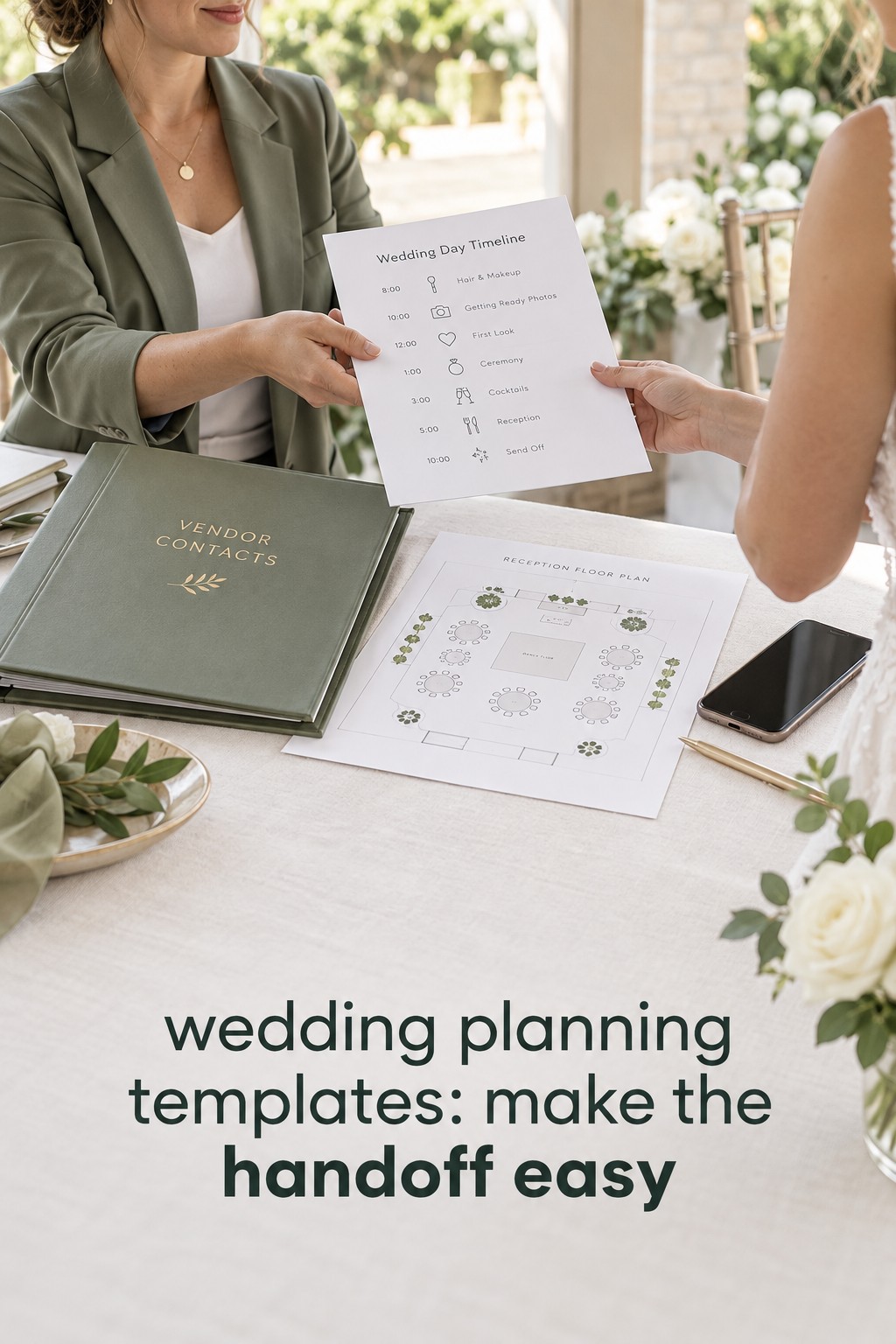
Printable templates also work well for a final wedding-day packet. You can print the timeline, vendor contacts, floor plan, ceremony order, delivery notes, and emergency decisions for the coordinator or trusted helper. Keep the printed packet current, and label it with the date it was last reviewed. An outdated printout can create more confusion than no printout at all.
The weakness is that paper does not calculate, sync, or remind you automatically. If a guest count changes, you must update every affected page. If a vendor payment moves, someone has to notice and rewrite the balance. Paper is therefore strongest as a meeting and handoff layer, not always as the only master record.
- Best for: visual thinkers, venue visits, meetings, and final handoffs.
- Watch for: fixed timelines that do not fit short or long engagements.
- Add: a clear owner, last-updated date, and place to record follow-up actions.
Spreadsheet wedding planning templates: best for connected details
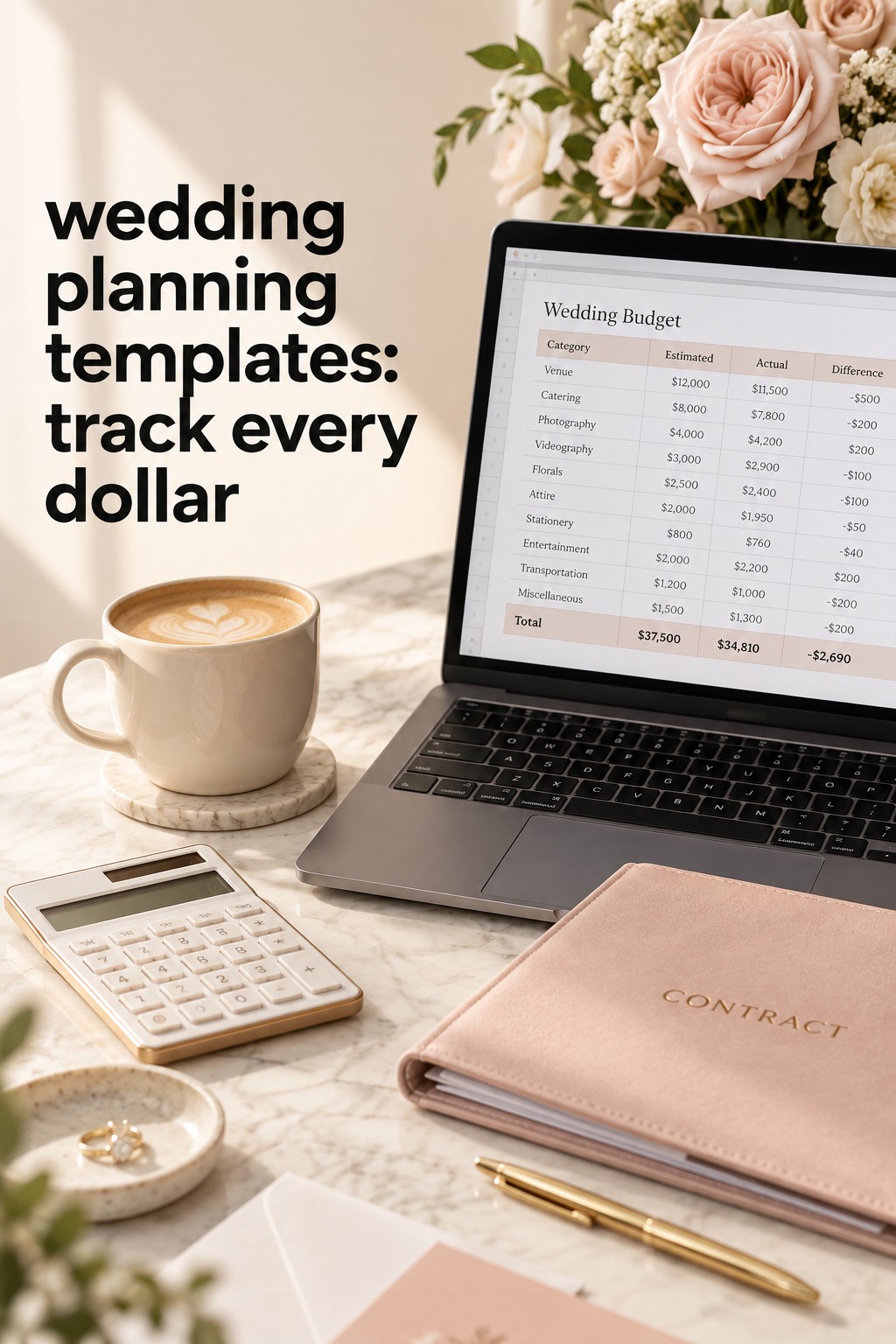
Spreadsheets remain popular because they can be simple or highly customized. A useful wedding planning spreadsheet usually includes a budget, guest list, vendor tracker, and timeline. Larger workbooks may add seating, contracts, payments, registry, stationery, attire, ceremony details, travel, and a wedding-day schedule. The advantage is not the number of tabs. It is the ability to sort, filter, calculate, and keep related details together.
Start with the smallest structure that solves your current problem. A four-tab workbook can be enough: Budget, Guests, Vendors, and Timeline. In the budget tab, include category, item, estimated cost, actual cost, deposit paid, balance due, vendor, payment date, and notes. In the guest tab, track household, names, address, invitation status, RSVP, meal choice, plus-one, accessibility needs, and notes. In the vendor tab, include service, contact, contract status, deposit, balance, arrival time, deliverables, and next question.
The timeline tab should do more than list dates. Add a phase, task, owner, priority, dependency, status, and proof of completion. A task such as “book photographer” is easier to manage when it also says who is comparing proposals, what must be decided first, and where the signed agreement is stored. The difference between a list and a planning system is often the context around each task.
Formulas can help, but they should remain understandable. Use totals for estimated and actual costs, a balance calculation, an RSVP count, and perhaps a percentage of tasks completed. Avoid building a workbook so elaborate that only one person understands it. If a formula breaks, a partner cannot tell whether the budget is accurate, or a vendor needs an answer immediately, complexity has become a liability.
Spreadsheets are especially strong when the guest count changes often. One update can inform catering, rentals, seating, transportation, stationery, and accommodation planning. They are also useful when you need to compare venues by total cost rather than rental price alone. Add taxes, service charges, required rentals, overtime, transportation, and contingency so the comparison reflects the actual experience.
- Best for: budgets, RSVP tracking, vendor comparisons, and flexible timelines.
- Watch for: duplicate copies, unclear ownership, and sensitive data shared too widely.
- Add: a short “how to use this file” note and a weekly review routine.
Digital workspaces and table trackers: best for collaboration
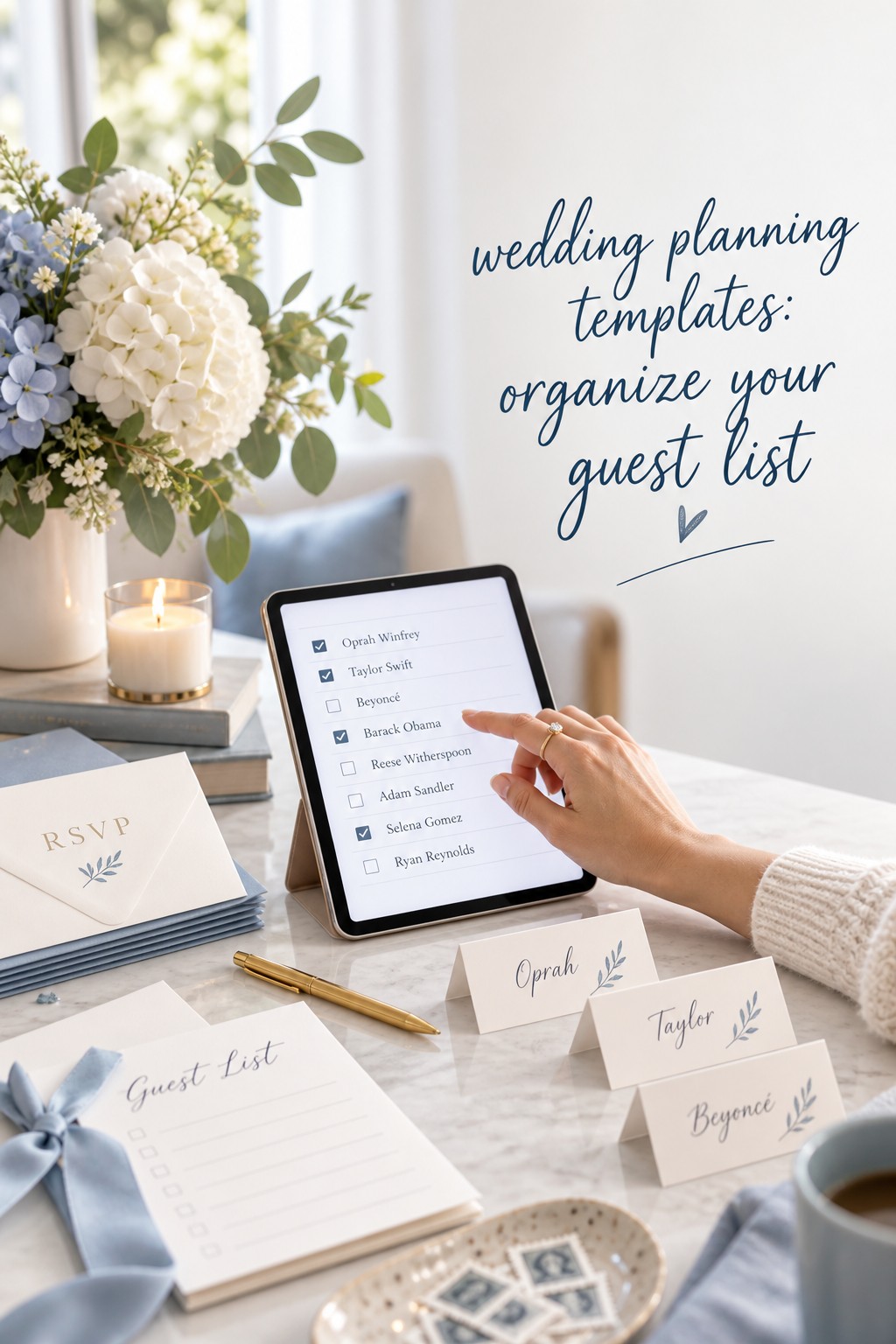
Digital workspaces combine pages, lists, databases, files, and comments. Table-based tools focus on structured records with customizable fields. Both can be helpful when couples, planners, family members, and vendors need different views of the same information. You might keep a master vendor table, a filtered view of unpaid balances, and a short list of decisions that need the couple’s attention this week.
The strongest reason to use a shared workspace is not that it looks modern. It is that responsibility becomes visible. Each task can have an owner and a status. Each vendor can have a contract link and next contact date. Each guest record can show what is missing. Shared visibility reduces the risk that one partner becomes the only person who knows where everything lives.
These tools are also useful for information that does not fit neatly into a spreadsheet cell. Add venue notes, questions from a site visit, inspiration grouped by decision, ceremony wording, transportation maps, or a written explanation of family expectations. Keep inspiration separate from approved decisions so a saved image does not accidentally become a commitment.
The trade-off is maintenance. A workspace with too many pages, tags, views, and color codes can create the feeling of progress without actual decisions. Start with a home page that answers four questions: What is urgent? What is blocked? What has changed? Who owns the next action? Add structure only when it solves a repeated problem.
Think carefully about permissions and privacy. Guest addresses, phone numbers, dietary needs, payment records, and contracts should not be exposed to every collaborator by default. Create a planning view for the couple, a logistics view for the coordinator, and only the vendor information each supplier needs. A shared system should make access intentional rather than automatically broad.
- Best for: multiple collaborators, notes, linked records, and responsibility tracking.
- Watch for: overbuilding, notifications, and unclear privacy settings.
- Add: a simple weekly dashboard and separate views for sensitive information.
All-in-one wedding planning templates: best for a complete overview
All-in-one wedding planning templates promise to bring the project into one workbook or dashboard. They may include budget, checklist, guest list, vendors, payments, seating, registry, ceremony, decor, travel, and day-of details. This format is appealing because it reduces the number of places you need to search. It can also provide a helpful starting structure when you do not want to design your own system.
Before choosing an all-in-one template, inspect the parts you will actually use. Does it include a guest record that works for households? Can you track both deposits and final balances? Is there a place for contract links and cancellation terms? Can you adapt it to a destination wedding, multi-day celebration, or religious ceremony? Can you remove sections that do not apply? A large template is valuable only when it remains readable.
Pay attention to the format. A downloadable Excel workbook may work well offline and support detailed calculations. Google Sheets may be easier for live collaboration. A printable binder may be better for meetings and travel. Some templates offer several formats, while others are designed around one platform. Decide where the master record will live before you begin entering information.
Do not confuse comprehensiveness with completeness. A file can contain hundreds of rows and still fail to tell you who is responsible, what depends on what, or whether a decision is final. Add three columns to any system that feels overwhelming: owner, next action, and status. Those fields turn a collection of information into a working plan.
An all-in-one system can also become the wrong choice for a small wedding. If you are planning a simple ceremony and dinner, a large workbook may bury the few decisions that matter. Delete unused categories or choose a leaner template. The best system feels proportionate to the celebration, not impressive in a product description.
- Best for: couples who want one broad overview and a ready-made structure.
- Watch for: unnecessary tabs, platform lock-in, and an intimidating setup.
- Add: a short start-here page, clear ownership, and a regular archive of old versions.
Compare templates by real planning situation
For a small local wedding, begin with a checklist plus a four-tab spreadsheet. The checklist gives you sequence, while the spreadsheet tracks money, guests, vendors, and timing. You probably do not need separate dashboards for every category. Keep the system light enough that both partners can update it in a few minutes.
For a large guest list, prioritize a spreadsheet or structured table. You need reliable household records, invitation status, RSVP responses, meal choices, seating information, and accessibility notes. Add filters and validation where they reduce errors. Schedule a weekly guest-data review during the invitation period and make one person responsible for reconciling updates from family members.
For a destination wedding, choose a system that can connect guests, travel, lodging, transportation, and events. Add arrival dates, hotel information, room-block details, passport reminders when relevant, and a separate schedule for welcome events. Keep guest-facing information separate from private notes, and give vendors only the logistics they need.
For a short engagement, choose a checklist with dependencies and a compact task tracker. You do not have time to learn an elaborate system for its own sake. Mark tasks as urgent, parallel, or optional. Book the venue and core vendors first, then move attire, stationery, ceremony, and guest logistics forward at the same time where possible.
For a long engagement, avoid filling every quiet month with invented work. Use a simple timeline, a decision log, and a budget record. Review contracts and savings plans periodically, but let details wait until you have the information needed to make them well. A calm system should create buffer, not pressure.
For a wedding with several cultural or religious events, choose a workspace or workbook that supports multiple dates and separate vendor requirements. Create one master budget, then add event-specific views for guest counts, attire, ceremonies, meals, music, and transportation. Make dependencies explicit so a change in one event does not disappear from the wider plan.
Build a template system you will keep using
Choose one master location and name it clearly. Add the wedding date, couple’s names, last updated date, and a short explanation of what the file contains. If there are supporting documents, link them from the master record rather than creating multiple unofficial copies. Old versions should be archived or labeled clearly so a vendor never receives yesterday’s timeline by mistake.
Set a weekly planning rhythm. During a short meeting, review new information, overdue tasks, blocked decisions, payments due, and the next two weeks. End by assigning owners. Keep inspiration and optional ideas in a separate section so they do not compete with decisions that affect guests or vendors.
Use a decision log for choices that have consequences. Record the decision, date, reason, budget impact, people affected, and any follow-up. This helps when you revisit a vendor proposal or a family request later. It also makes it easier to explain why the plan changed without relying on memory.
Test the template with a realistic example before you fill it with final information. Add three guests, one vendor, one deposit, and one changed date. Can you find the current answer quickly? Can your partner understand the status? Can you print the information a coordinator needs? A ten-minute test can reveal a system problem before it becomes a wedding-week problem.
Finally, remove what you do not need. A planning template should reduce mental load, not display every possible wedding task. Keep the categories that help you make decisions, communicate with vendors, protect the budget, and care for your guests. Everything else can remain optional or disappear.
FAQ
What should a wedding planning template include first?
Start with budget, guest range, date options, venue, core vendors, and a timeline of dependencies. These decisions affect most of the later planning. Add design details after the foundation is clear.
Are spreadsheet wedding planning templates better than printable checklists?
Neither is automatically better. Spreadsheets are stronger for calculations, filters, and changing guest or vendor data. Printable checklists are stronger for meetings, visual progress, and final handoffs. Many couples use both, with the spreadsheet as the master record.
How many tabs should a wedding planning spreadsheet have?
Use four tabs as a starting point: budget, guests, vendors, and timeline. Add seating, payments, stationery, travel, ceremony, or day-of tabs only when those details become active and need their own view.
How can we keep wedding planning templates from becoming overwhelming?
Give every active task an owner, next action, status, and due window. Hide or archive unused sections, separate inspiration from commitments, and review the system once a week instead of constantly reorganizing it.
What is the best template for a destination wedding?
Choose a shared spreadsheet or workspace that connects guests, travel, lodging, transportation, multiple events, vendors, and payments. Add guest-facing and private views so personal information is shared only with people who need it.
Should both partners edit the wedding planning template?
Both partners should be able to find the current plan and understand the next decisions. They do not need to edit every field equally, but ownership should be visible and neither partner should become the only keeper of contracts, payments, or guest information.
When should we switch from a simple checklist to a larger system?
Switch when the checklist no longer answers practical questions about money, guests, vendors, or responsibility. Move the existing information carefully, test the new system, and keep the old file archived until you know the new source of truth works.
Leave a Reply