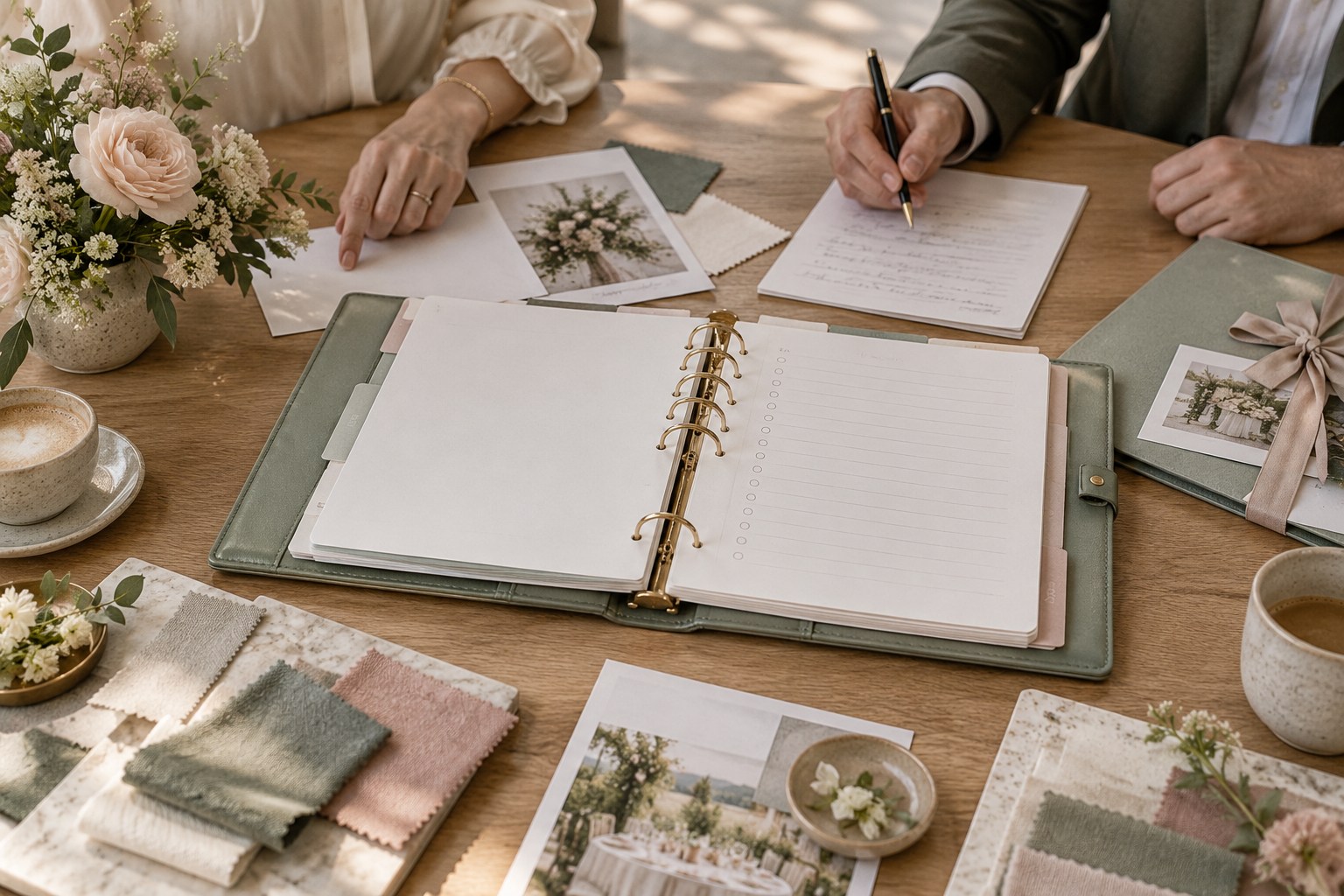
You leave a florist meeting with a handful of notes, a price range, and three beautiful ideas. A week later, you cannot remember whether the centerpiece was included in the quote, whether the candle option was approved, or who was supposed to ask the venue about open flames. The notes exist, but they have not yet become a plan.
A wedding planner binder can do more than store contracts and checklists. Use it as a working record for vendor conversations: prepare what you need to decide, capture what was actually said, and turn the conversation into a named next step. That process helps couples and planners keep proposals, decisions, and written confirmations distinct, even when several vendors are involved.

The approach is intentionally narrower than a full binder setup. It does not ask you to print every email or copy your entire planning system onto paper. It gives each important conversation a clear beginning, middle, and follow-up so that a meeting can move the wedding forward.
Why Vendor Meeting Notes Stop Being Useful
Vendor conversations create several kinds of information at once. You may hear an estimate, ask whether a service is available, share a preference, discuss an option, or make a final choice. Those statements can sound similar in hurried notes. Later, a phrase such as “six tables, candles, delivery” may not tell you whether candles were priced, permitted, or simply mentioned as an idea.
Notes also lose their context when they are separated from the meeting that produced them. A page may show a package total without saying which guest count it assumed. A reminder may say “send floor plan” without identifying who needs it or by when. A vendor’s verbal answer may be useful, but an important term still needs to be reflected in the proposal or agreement before you treat it as settled.
This is why a wedding planner binder should distinguish four states. Discussed means someone raised the subject. Proposed means an option or price was offered. Decided means the couple or authorized planner chose a direction. Confirmed means the relevant detail appears in the appropriate written record, such as a revised proposal, contract, or email. A discussion can lead to a decision, but it is not the same as written confirmation.
Keep a small key on the meeting page if that distinction is new to your planning team. You can mark a line D for discussed, P for proposed, A for approved, and C for confirmed. Use whichever labels are easiest to scan, then apply them consistently. The point is not to create another elaborate code. It is to stop a promising conversation from being mistaken for a final commitment.
A paper record is especially useful when you are comparing two or three vendors, meeting away from your desk, or discussing a detail that affects other decisions. The Knot’s vendor checklist shows how many different service categories may enter a wedding plan. A shared meeting structure gives you a consistent record while leaving room for questions that are specific to the venue, caterer, photographer, or other professional.
Before adding more pages, look at the notes you already have. If the main problem is that you cannot tell what is final, a new divider will not solve it. If your notes rarely include an owner or a due date, add those fields. If all the details are present but nobody knows where the final version lives, add a source reference. The binder works when it closes the gap you actually have.
Prepare a One-Page Brief Before Each Vendor Meeting
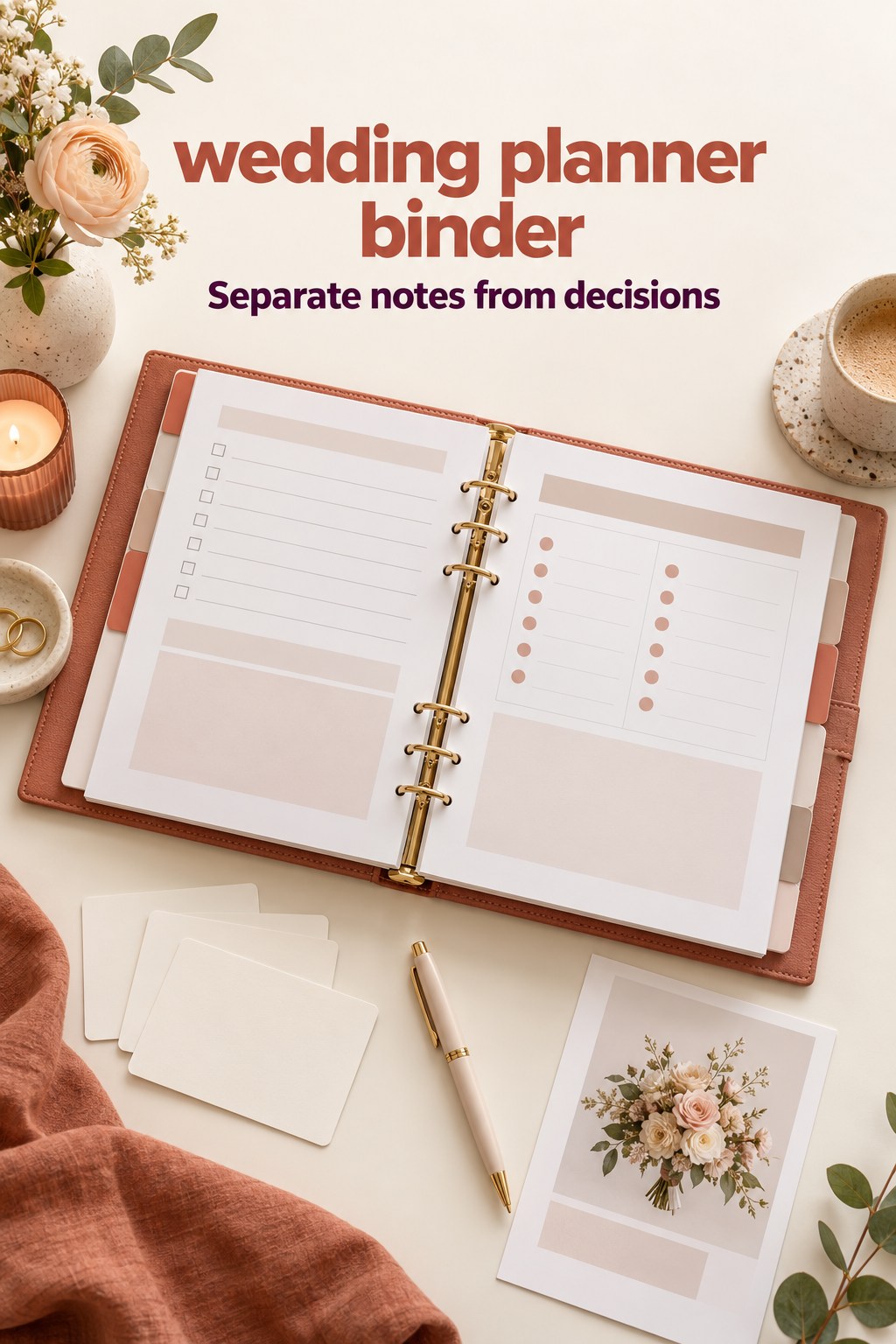
Give each meeting a single working page, even if the vendor already sent a polished proposal. Start with the basics: vendor name, service, meeting date, attendee names, wedding date, current planning stage, and the file or contract reference. Those details make the page understandable when you return to it months later or share it with your partner or planner.
Next, write the reason for the meeting in one sentence. “Compare dinner service options for 90 guests” is clearer than “catering.” “Confirm what the floral proposal includes for ceremony and reception” is more useful than “flowers.” The sentence sets a boundary. It helps you decide which questions belong today and which can wait for another conversation.
Add the constraints that could change the answer. Depending on the vendor, these might be the current guest-count range, budget limit for that service, venue rules, access window, preferred style, or a decision deadline. Mark estimates as estimates. If one figure is still changing, write its date or source beside it. That small reminder prevents a preliminary number from appearing more settled than it is.
Choose three to five priority questions, rather than copying a long generic list onto every page. Ask what you need to compare the offer or make the next decision. For a venue, that could be access, included equipment, setup responsibilities, and overtime terms. For a caterer, it could be what the package includes, how the price changes with the menu, and when the final guest count is due. For a photographer, it might be coverage hours, delivery format, and who will be present.
Leave space for the answer and for its status. A useful row can include: question, short answer, status, source to verify, and follow-up owner. Do not try to write a transcript. Capture the answer in plain language, then note where the exact term should appear. If the answer depends on a later count, revised floor plan, or venue approval, record that dependency right beside it.
Bring only the papers needed for that conversation. A venue meeting may call for the floor plan, guest estimate, and relevant contract page. A design meeting may need a small set of selected references and the venue restrictions that affect them. A catering discussion may need the current guest range and a comparison of menu options. The printable pages on Grid and Paper’s wedding planner illustrate the range of planning references couples may keep on paper. Your meeting brief can point to the useful page without turning every appointment into a binder tour.
At the bottom, include a short “not deciding today” line. This is helpful when a conversation produces attractive possibilities that still depend on cost, timing, or another person’s input. Write what needs to happen before the question returns. “Choose after venue confirms candle rules” is an actionable pause. “Think about candles” is an open loop with no clear owner.
Prepare the page shortly before the meeting, not months in advance. Recheck the latest proposal, highlight anything that changed, and make sure the person attending has the same goal. If both partners cannot attend, agree on what the attendee may decide and what they should bring back for discussion. This keeps the meeting productive without asking one person to guess at the other’s preferences.
Capture Answers Without Turning Them Into Assumptions
During the conversation, note the vendor’s answer separately from your reaction. For example: “Vendor says the standard package includes delivery within the listed service area” is a record of what you heard. “We like the package” is your response. “Ask for delivery location and fee in the revised proposal” is a follow-up. Keeping these lines distinct makes it easier to review the notes without treating interest as approval.
Write down quantities, timing, and conditions whenever they shape the decision. “Setup included” may depend on a particular room, delivery window, staffing level, or item count. “Available” may mean available for the date, or simply offered as a service. “Starting at” is not the same as a total. If you are unsure, ask what the statement includes and what would change it.
Use quotation marks only when you are recording wording you may need to verify exactly. Otherwise, summarize the answer and add a source line such as “proposal revision requested” or “see venue rules, page V-02.” Avoid recording sensitive payment details or private information that does not belong in a binder carried to appointments. If a note refers to an agreement, identify the file location rather than copying unnecessary confidential details.
Leave blank space for questions that emerge during the meeting. An answer about setup may raise a question about who provides tables. A delivery time may affect a rental pickup. You do not have to solve every dependency in the room. Write the new question, identify who can answer it, and decide whether it blocks the current choice or can be handled later.
At the end, pause for a two-minute verbal recap. State what you believe was agreed, what remains open, and who will take each next step. Invite the vendor to correct anything you misunderstood. This is a courtesy as well as a practical check. It lets both sides leave with the same picture of the conversation and makes follow-up easier to write.
Keep promises and preferences in separate lines. “The couple prefers a late-afternoon ceremony” is helpful context. “Venue confirms access begins at 10:00 a.m.” is a specific answer to verify. Aesthetic inspiration may guide a vendor’s proposal, but it does not automatically define a deliverable. If an image or sample is part of the selected direction, label what you are approving: color, arrangement, material, or overall mood.
When comparing vendors, use the same criteria for each conversation, but leave a space for category-specific details. One florist may quote delivery separately while another includes it. One venue may include tables, while another expects a rental order. Write the difference in the notes rather than trying to compress every offer into a single total. You can compare equivalent items after each proposal has been clarified.
For a venue visit, keep a rough sketch or printed floor plan only if it helps you capture the answer. Label the date and identify whether the drawing is illustrative or approved. A handwritten layout is a planning note, not necessarily the final plan. If the venue confirms a restriction or service detail, note the exact question to send afterward. Here Comes The Guide’s venue question guide likewise encourages keeping visit answers organized and putting important terms in writing. Your binder can make that follow-through part of the same meeting record.
Turn the Conversation Into Decisions and Follow-Ups
Within a day or two, review the meeting page while you still remember the context. You do not need a rigid deadline for every vendor, but a prompt review helps prevent a page of shorthand from becoming the only record. Circle anything that needs clarification, mark options that are still under consideration, and identify the written document that should contain each confirmed detail.
Then make a compact decision record. It can be a box at the bottom of the meeting page or a separate decision log. Include the decision, date, people who approved it, reason if useful, and any other records that need updating. If there is no decision yet, say what evidence or conversation is needed. This is more reliable than writing “pending” with no explanation.
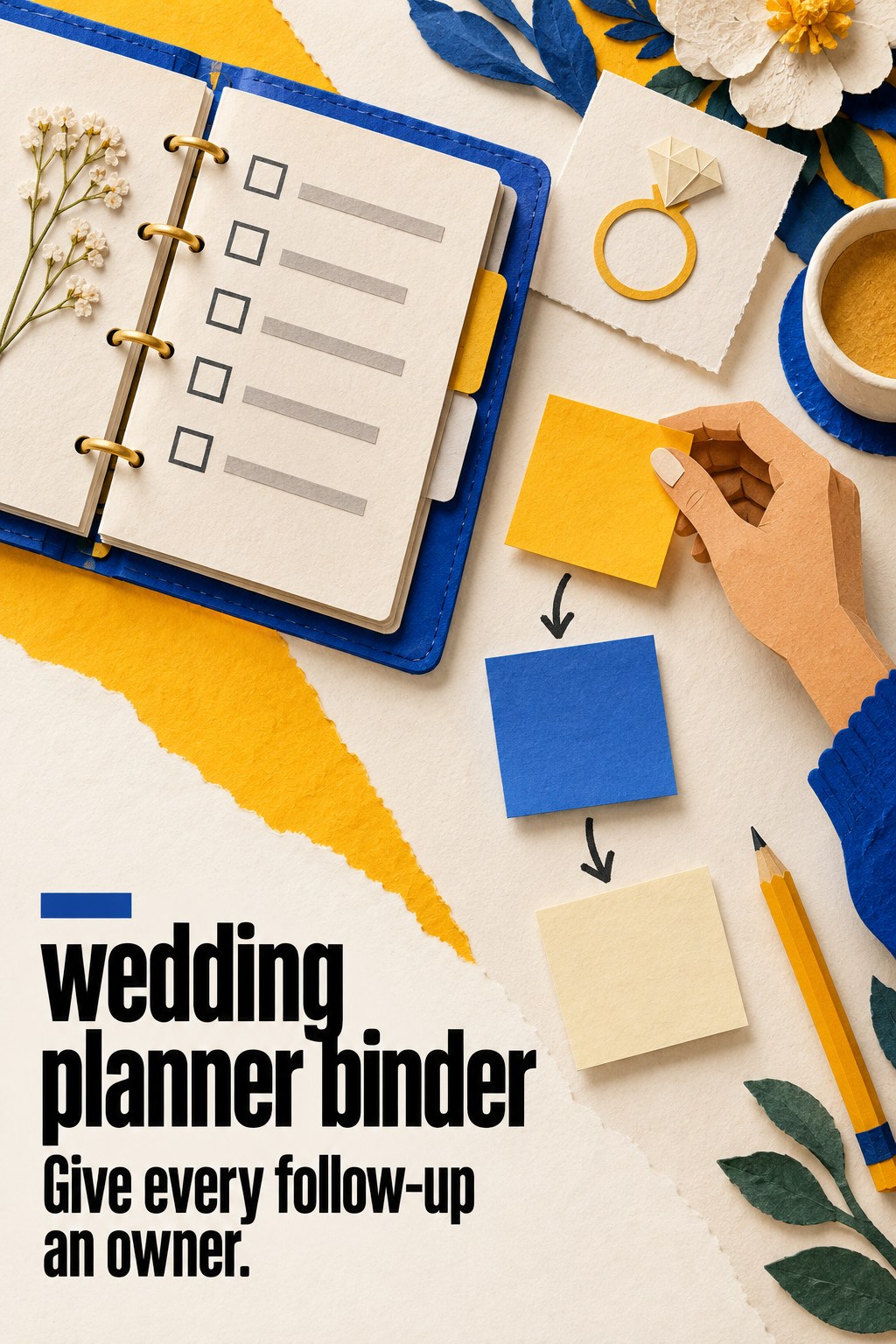
Convert every open item into a next action with one owner and a due date or review point. “We need updated pricing” is a need, not an assignment. “Maya emails the caterer for a revised quote at 90 guests by Friday” is clear. “Check with venue” can become “Jordan asks the venue manager to confirm the candle policy before selecting centerpieces.” If the date is flexible, use a trigger such as “before signing the agreement.”
Use a simple follow-up table: action, owner, due date, status, and where the answer will be saved. Keep it short. If you already have a task tracker, enter the action there and write its task title or location on the binder page. The binder should make the next step visible, not become a competing task list that someone must remember to maintain.
Send a short recap to the vendor when a detail matters to the proposal or scope. Thank them, summarize the points you understood, and ask them to correct or confirm the items that need to appear in writing. Use a neutral tone. The aim is to create a shared record, not to turn informal notes into a contract. Save the reply or revised document in the agreed digital folder and note the file name or date on the binder page.
Review a proposal against the notes before accepting it. Check that quantities, dates, locations, inclusions, exclusions, fees, payment timing, and responsibilities match the conversation where relevant. If something differs, ask the vendor to clarify. The Knot’s caterer planning guidance describes requesting a proposal with costs and inclusions, then reviewing the contract and confirming details in writing. The same habit is useful for other vendor categories, adjusted to the service being offered.
Mark the meeting record as confirmed only when the written source supports the detail. If a contract is not the right place for an operational note, it may belong in a later schedule or email. Record the source type and date, not an assumption that “it was taken care of.” If the vendor is still revising a document, leave the status open and assign someone to check for the updated copy.
After confirmation, transfer only the durable result to the active vendor summary: the booked service, the agreed scope, the key deadline, the contact, and the reference to the signed or final document. Keep the meeting notes as context if they will help explain how the decision was reached. Archive superseded proposals clearly or remove them from the active section so a stale option does not look current.
A finished meeting page should answer five questions at a glance: What was the meeting for? What did we hear? What did we decide? What remains open? Where is the current written record? If it cannot, add the missing pointer or owner. This is a more useful quality check than counting how many pages you have filled.
Adapt the Meeting Sheet to Different Vendors
Keep the same core page for every vendor, then add a few fields that match the service. This makes it easier to compare conversations without pretending every professional provides the same kind of work. Use a common header and follow-up table, but tailor the questions to the decision in front of you.
For a venue meeting, add the date options discussed, access and end times, spaces included, setup and cleanup responsibilities, restrictions, and any questions that need written answers. Bring only the floor plan version you are currently discussing and label it clearly. If a detail depends on a different guest count or room layout, write that condition. Afterward, record which items the venue must confirm and where their answer should appear.
For a catering conversation, note the guest-count assumption, service style, menu options, included rentals or staffing, and what is excluded from the estimate. Add tasting or selection milestones only if they apply to your vendor’s process. Keep dietary and allergy information in the appropriate restricted planning record, not scattered on a general note sheet. When the proposal arrives, compare it with the questions and assumptions you recorded.
For a photographer, florist, or other creative vendor, identify the deliverable or design decision you are discussing. A reference image should have a short note explaining the feature that matters, such as palette, shape, mood, or coverage preference. Record what is included, what remains an option, and which choices need approval later. Avoid writing “like photo” without saying what you want the vendor to take from it.
For a planner or coordinator interview, record the service scope, communication rhythm, meeting expectations, who contacts vendors, and how decisions will be approved. Clarify which tasks belong to the couple and which belong to the planning professional. A question list can help you compare candidates, but your notes should capture the actual response and any follow-up document or reference you requested.
Here is a simple example. You meet with a rental company about ceremony chairs and reception linens. Your brief says you need a quote for 100 guests and asks whether delivery, setup, and removal are included. During the meeting, you learn that setup depends on the venue’s access window and that a fabric swatch can be sent. Your notes mark the package as proposed, the access question as open, and the swatch as a follow-up. After the meeting, one partner asks the venue about access, the other requests the swatch, and you wait to compare the revised quote before approving. The page shows progress without implying that the rental order is already final.
Do not make the examples into a fixed questionnaire. A vendor’s specialty and your wedding’s requirements will determine what matters. The binder’s repeated structure simply helps you remember to ask, record, distinguish, and follow up. If a field does not help you make or verify a decision, leave it off that vendor’s copy.
Keep the Binder Current Without Rewriting Your Whole Plan
Decide which record is authoritative for each changing detail. Your guest count might live in a shared spreadsheet, while the vendor agreement lives in a signed PDF. The binder can point to both and hold a dated summary for a meeting. Avoid printing a fresh copy of every changing list after each conversation. Keep the paper page only when it makes an appointment, review, or decision easier.
At a short weekly review, look only at open vendor actions and newly received documents. Check whether someone owes an answer, a proposal has changed, or an approval needs to be recorded. Update the status on the meeting page and the digital tracker. If an item is done, write where the final evidence lives and close the task. This small routine keeps a useful binder from turning into a second inbox.
Keep meeting notes separate from final day-of instructions. The notes may contain comparisons, questions, and superseded ideas. Vendors who need operational information later should receive a concise, approved brief or schedule prepared for that purpose. Do not hand over the whole planning binder as though every page were current or intended for distribution.
The Wedding Command Center may be useful as a shared planning resource for coordinating tasks and decisions. If you use it with a paper binder, set a clear boundary: the digital workspace or tracker is the live home for changing actions, while the binder carries meeting briefs and references that help you talk through decisions. Choose one place for each type of information and link the two rather than duplicating entire records.
Near the end of planning, review the confirmed vendor summaries and identify what belongs in the final schedule or coordinator packet. Transfer approved details only, then check them with the relevant vendors. The meeting pages remain useful as a record of how you reached the plan, but the day-of material should be concise, current, and designed for the people using it during the event.
A wedding planner binder does not need a new section for every meeting. A few repeatable pages, clear status labels, and a dependable follow-up habit are enough to turn vendor conversations into usable planning records. The goal is not a perfect archive. It is leaving each conversation knowing what was learned, what is decided, and what must happen next.
Sources and Methodology
This guide reviewed US wedding binder, vendor checklist, planner interview, venue visit, and catering planning pages. The sources commonly provide section lists, category-specific questions, or printable templates. This article combines those needs into a meeting brief and follow-up workflow. The status labels and recordkeeping examples are practical editorial recommendations, not legal or contract advice.
FAQ
What should go in a wedding planner binder for vendor meetings?
Keep a one-page brief for each important conversation with the vendor, meeting purpose, key constraints, priority questions, answers, status, follow-up owner, and a reference to the current proposal or agreement. Add only the supporting pages needed for that specific meeting.
How do I take useful notes during a vendor meeting?
Separate what the vendor said from what you decided and what still needs confirmation. Capture quantities, conditions, and timing when they affect the offer. Before leaving, recap the open questions and next steps so both sides can correct misunderstandings.
Should I put vendor contracts in my wedding planner binder?
You can keep a clearly labeled copy or a reference to the secure digital file if that helps during meetings. Treat the current signed agreement as the authoritative version, and do not let handwritten meeting notes replace or silently alter contract terms.
How do I compare wedding vendor proposals?
Compare proposals against the same decision criteria, such as scope, quantities, timing, included items, exclusions, and payment schedule where relevant. First clarify assumptions so the offers describe comparable services. Record the source and date of each version.
What is the difference between a wedding planning binder and a day-of binder?
A planning binder can contain meeting notes, open questions, comparisons, and decision history. A day-of binder or packet should contain concise, approved information that its users need to carry out the event. Select and verify the final details before transferring them.
How often should I update vendor meeting notes?
Review a page soon after the conversation, while its context is fresh, and again when a proposal or written confirmation arrives. During a brief weekly planning review, update open actions and mark which details have become confirmed.
Can a digital wedding planner replace a paper binder?
Yes, if it lets your planning team capture meeting briefs, decisions, owners, due dates, and links to the authoritative documents in a way everyone will use. Paper can still help during in-person conversations. Choose the format that makes the workflow easiest to maintain.
Leave a Reply